Editing Group Tour Itinerary
After creating a Group Tour, you can edit the itinerary details to update the itinerary cover, title, description, destinations, and other information before sharing it with your customers.
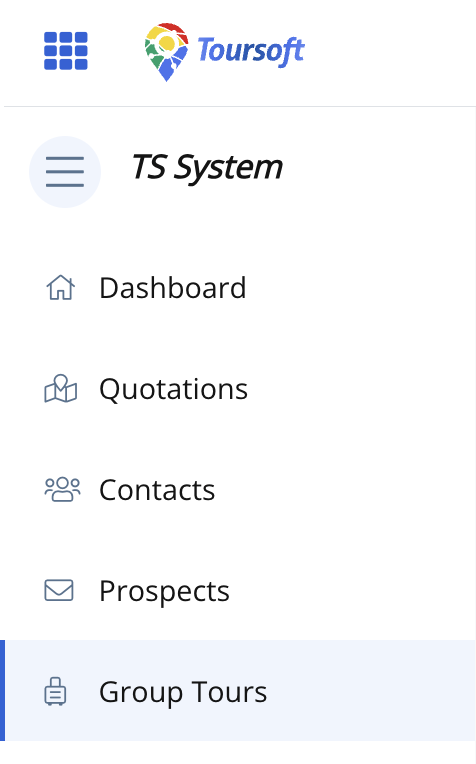
1. From the left-hand sidebar, select Group Tours.
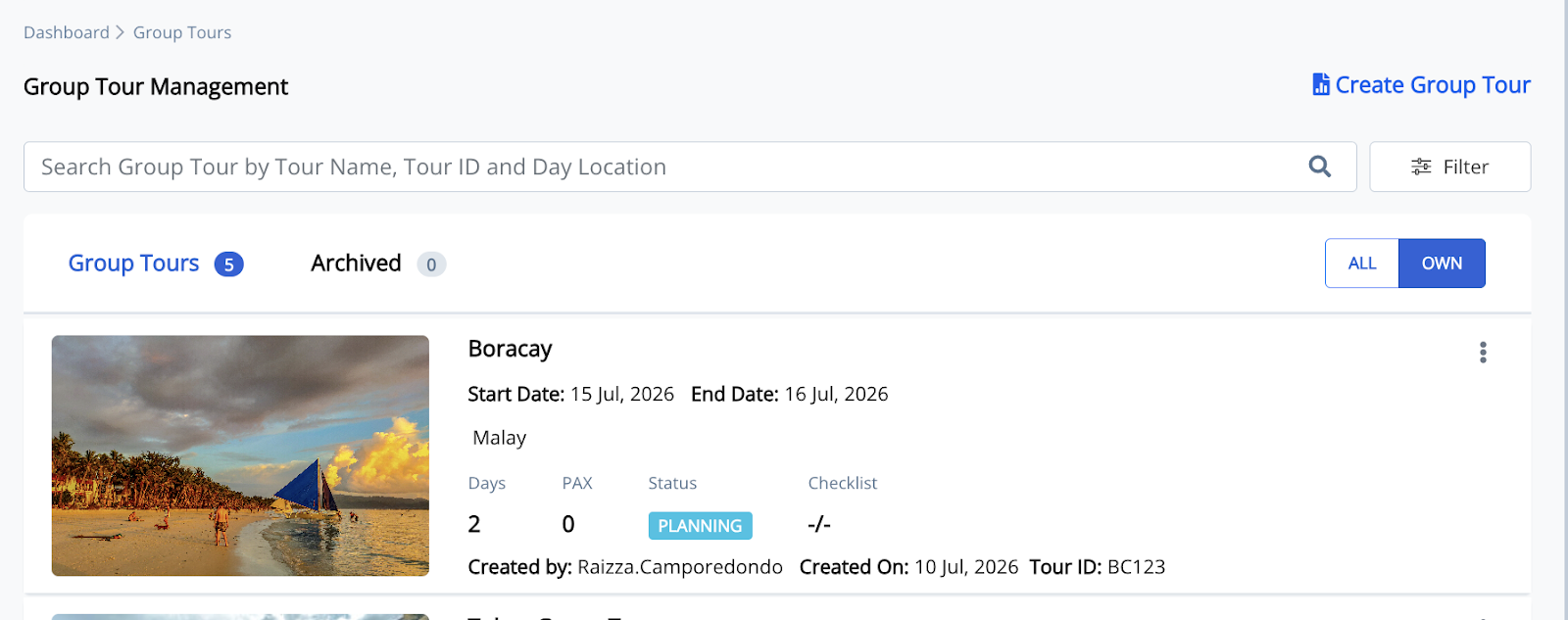
2. Open the Group Tour you want to manage.
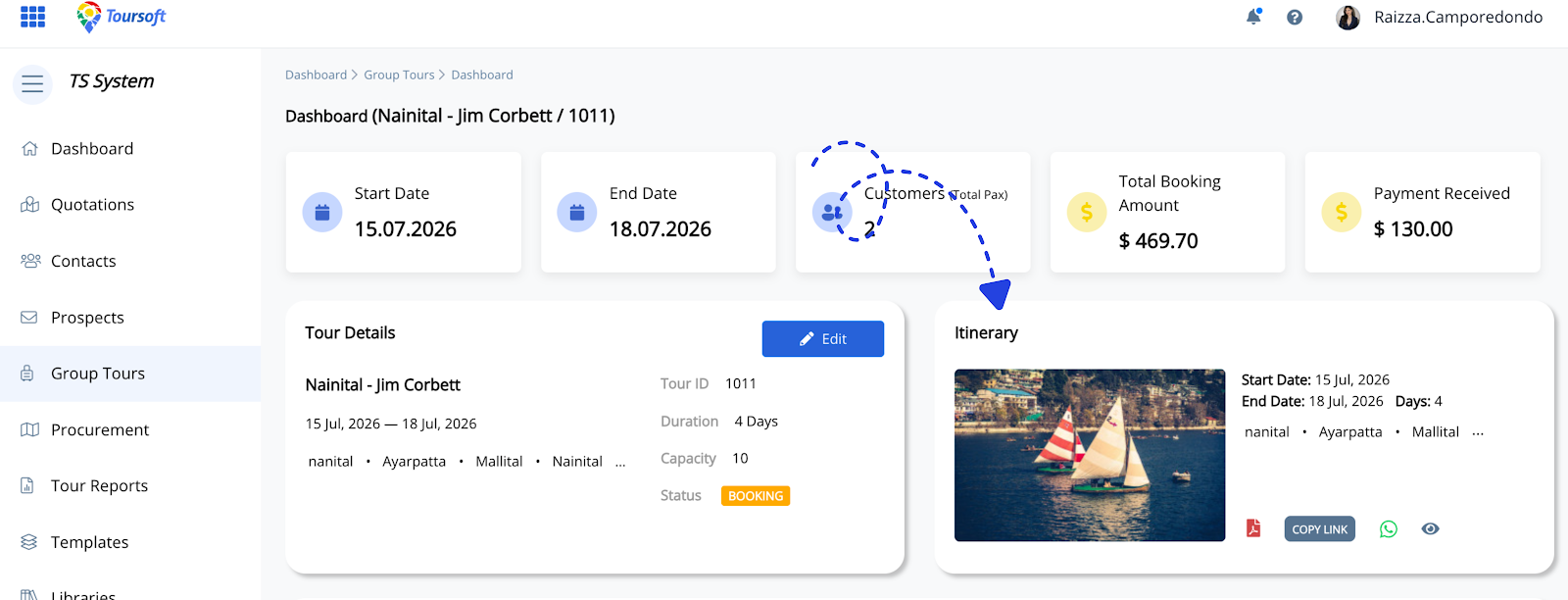
3. In the Itinerary section, click it.
4. Update the itinerary information.
You can modify the itinerary cover image, title, description, destinations, and other itinerary details as needed.
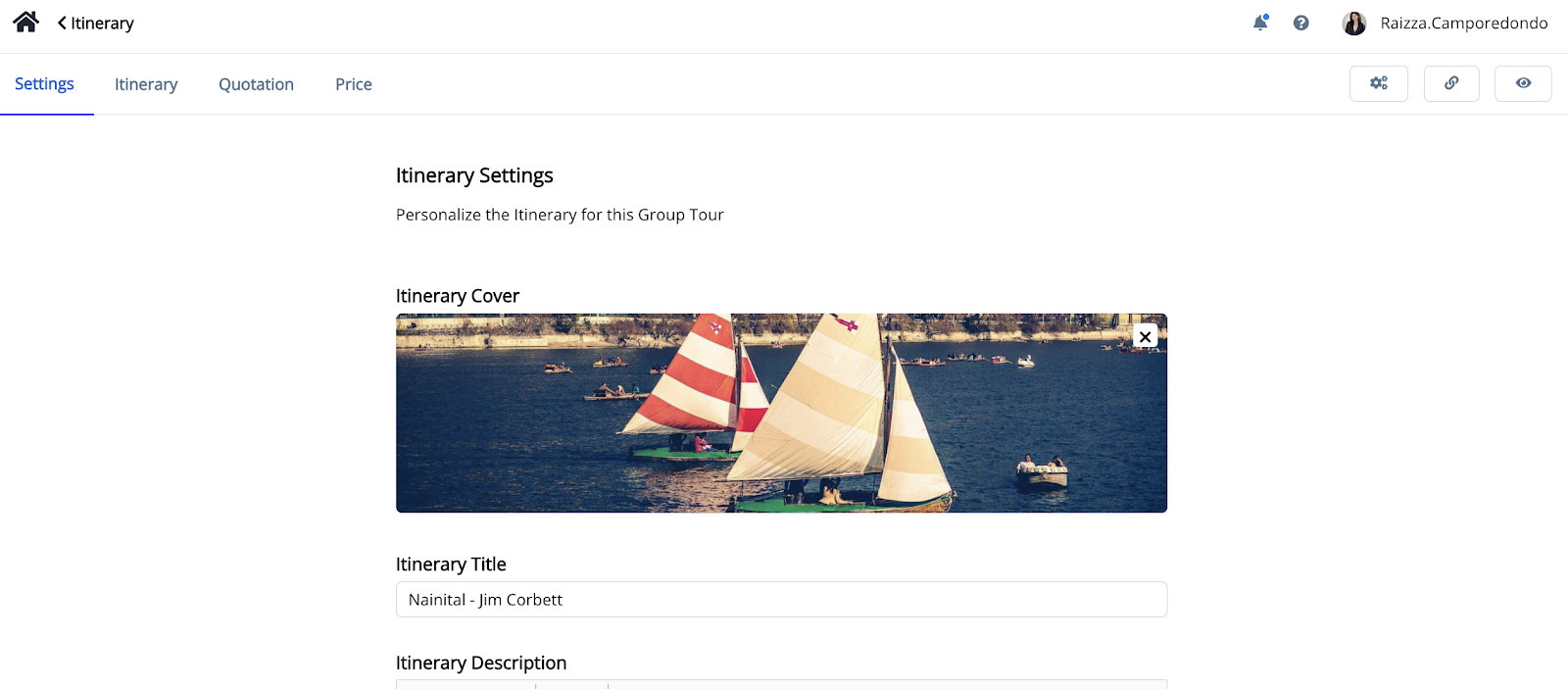
5. Review the changes, then click black.
Your updated itinerary will be reflected throughout the Group Tour and any future itinerary shares or exports.
Note:
Changes made to the itinerary only affect the selected Group Tour and will not modify the original itinerary template.