Sending an Email to the Supplier
Need to confirm a booking with your supplier? Toursoft allows you to send the booking details directly from the Procurement module without leaving the platform.
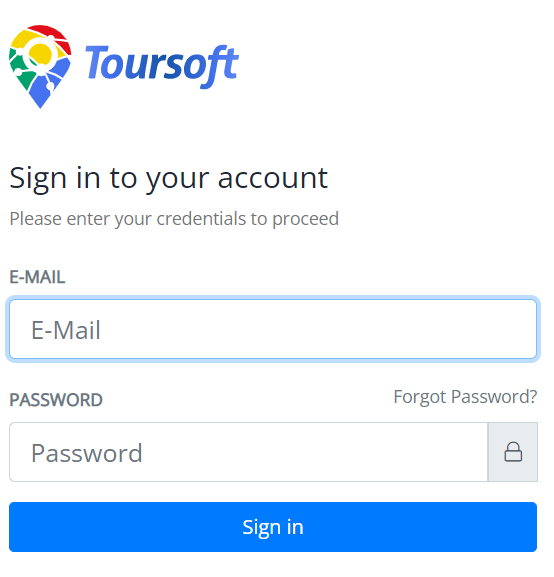
1. Login to Toursoft with your email and password.
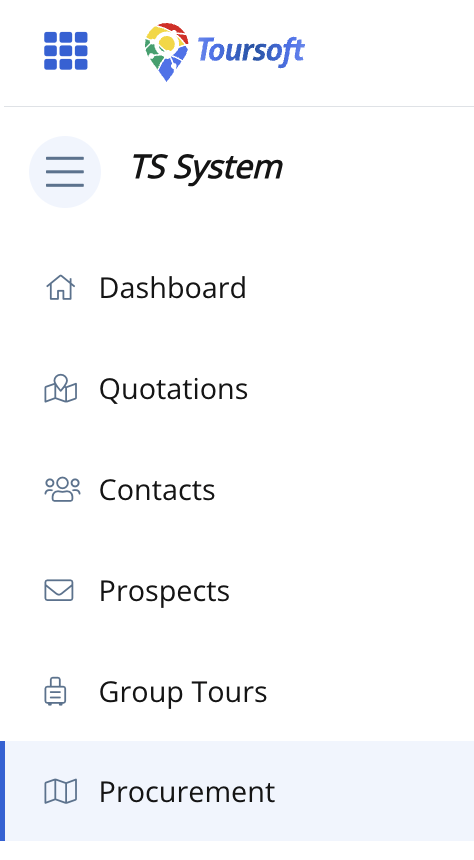
2. On the left-hand sidebar, select Procurement.
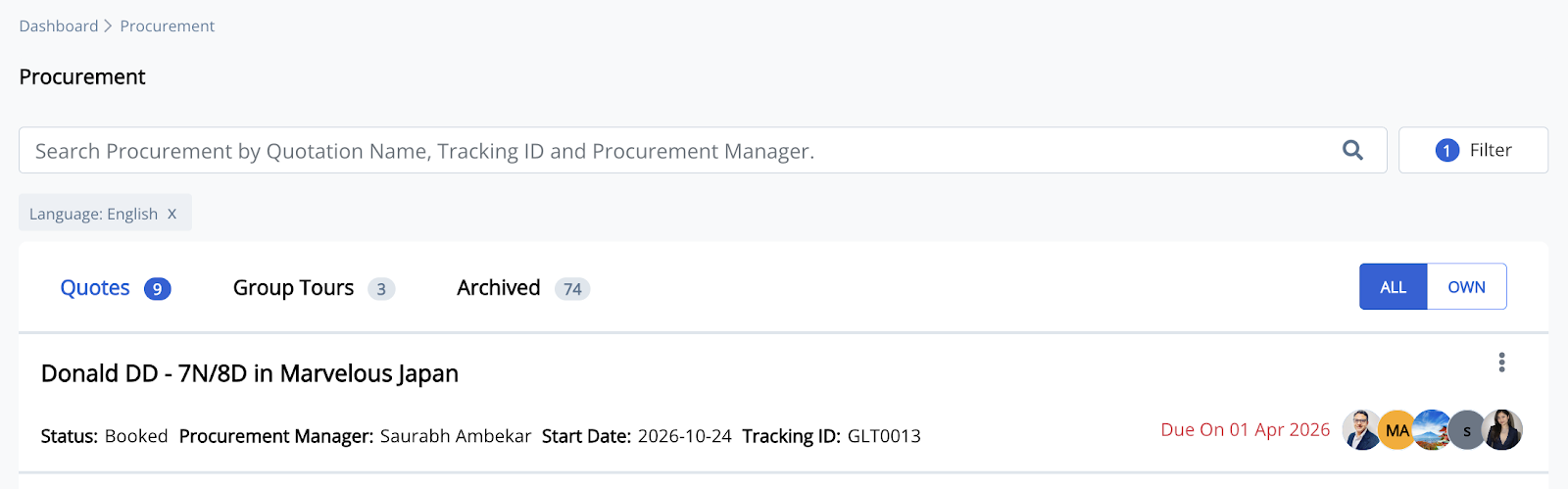
3. Open the procurement you want to manage.
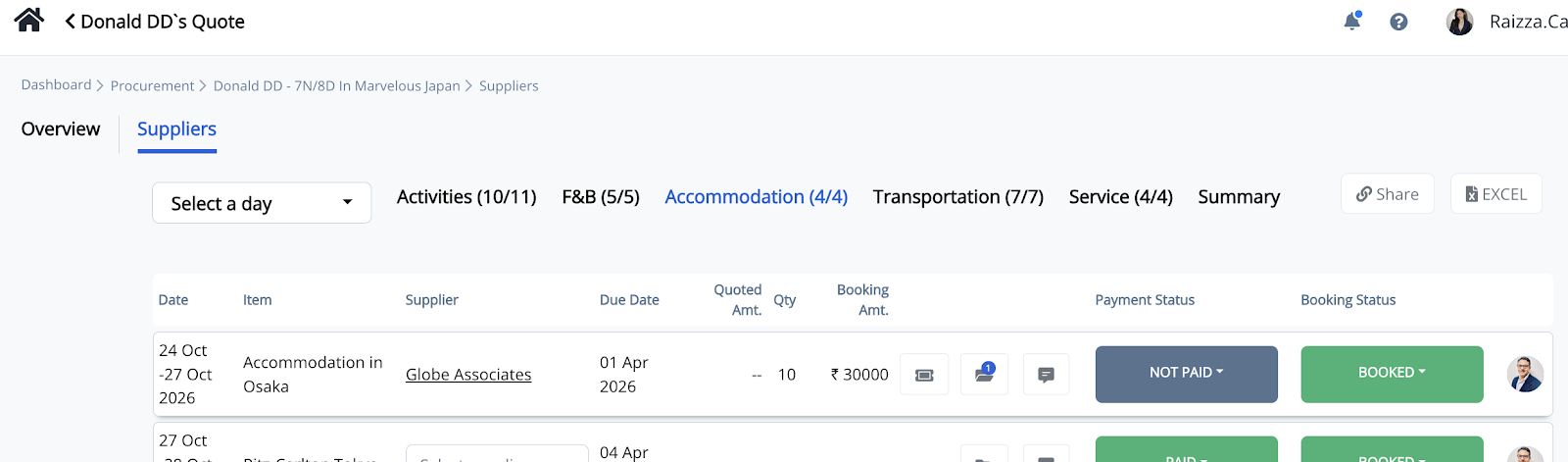
4. Select the appropriate procurement category (Activities, F&B, Accommodation, Transportation, or Service), then click the supplier name.
5. In the "Category" Procurement window, review the booking details, then click Share Details with Supplier.
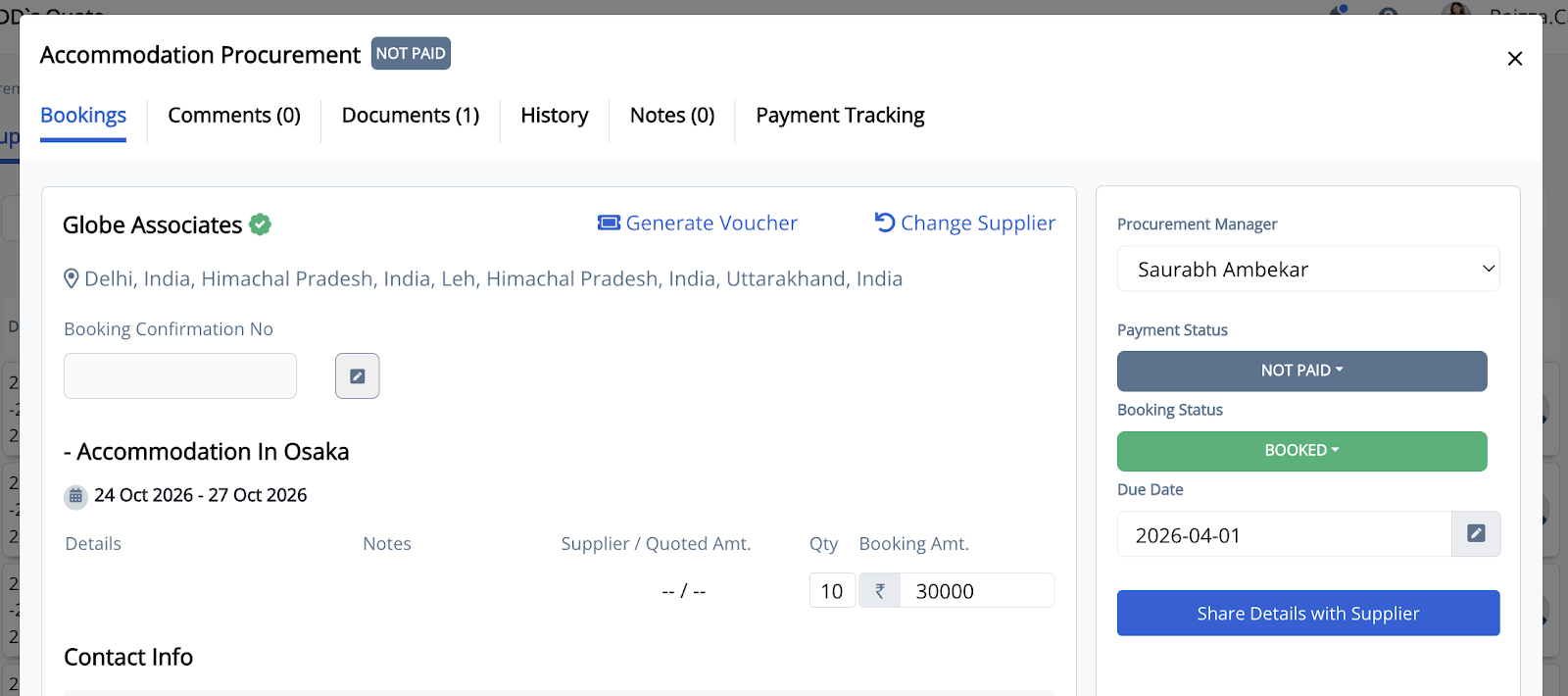
6. Review and update the email details if necessary, including:
-
Supplier Email
-
CC (optional)
-
Subject
-
Email Message
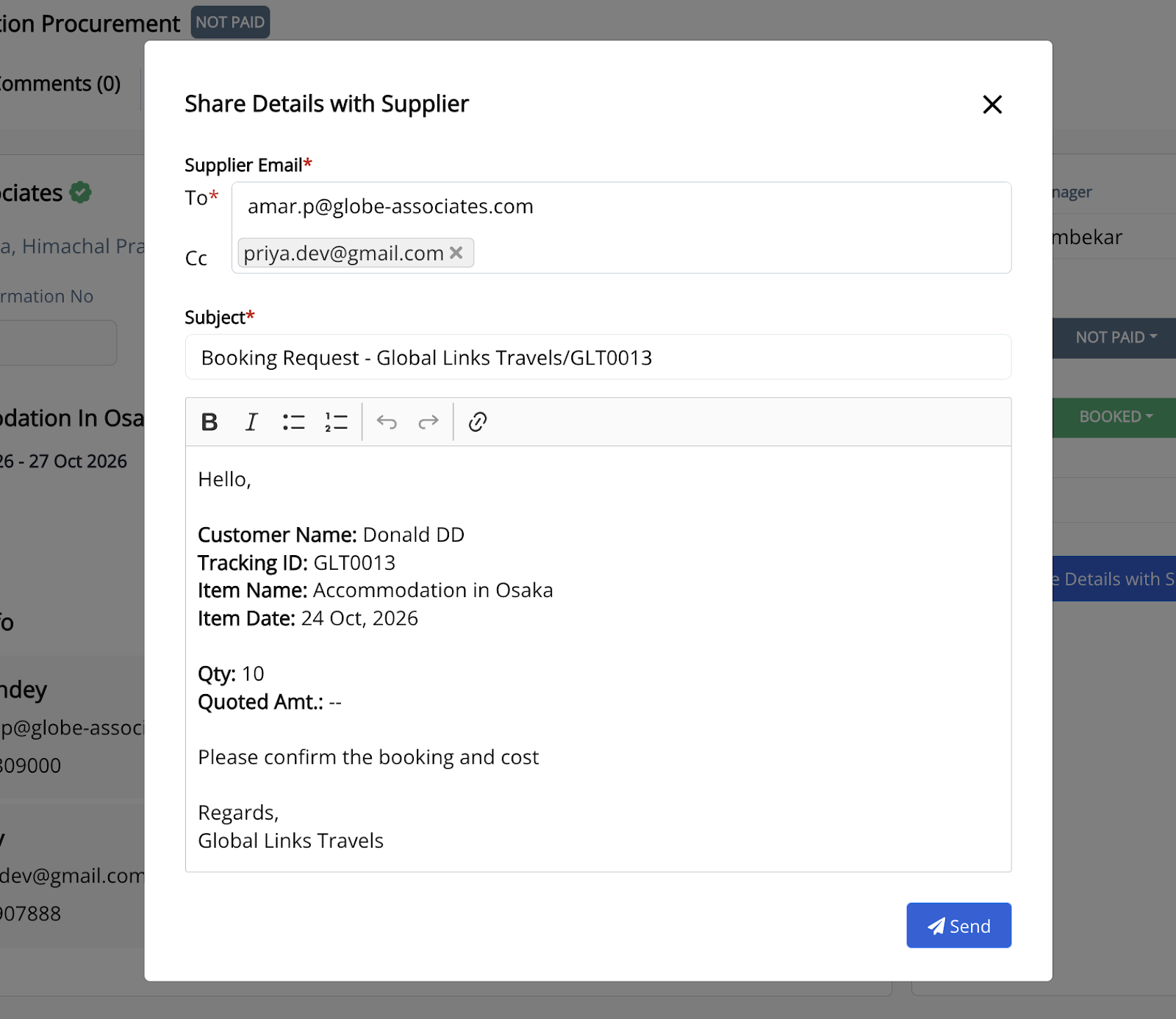
The booking information is automatically populated in the email body, but you may edit it before sending.
7. Click Send to email the booking request to your supplier.
Note: Ensure the supplier's email address is correct before sending. You can also customize the subject line and message while keeping the booking details intact.