Creating a Booking Form
Booking Forms allow you to collect traveler information for a quotation before confirming a booking. Once generated, you can share the booking form with your customer so they can complete and submit their travel details online.
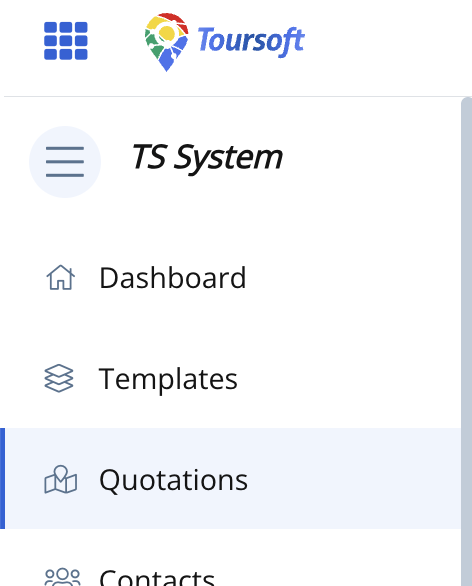
1. From the left-hand sidebar, select Quotations.
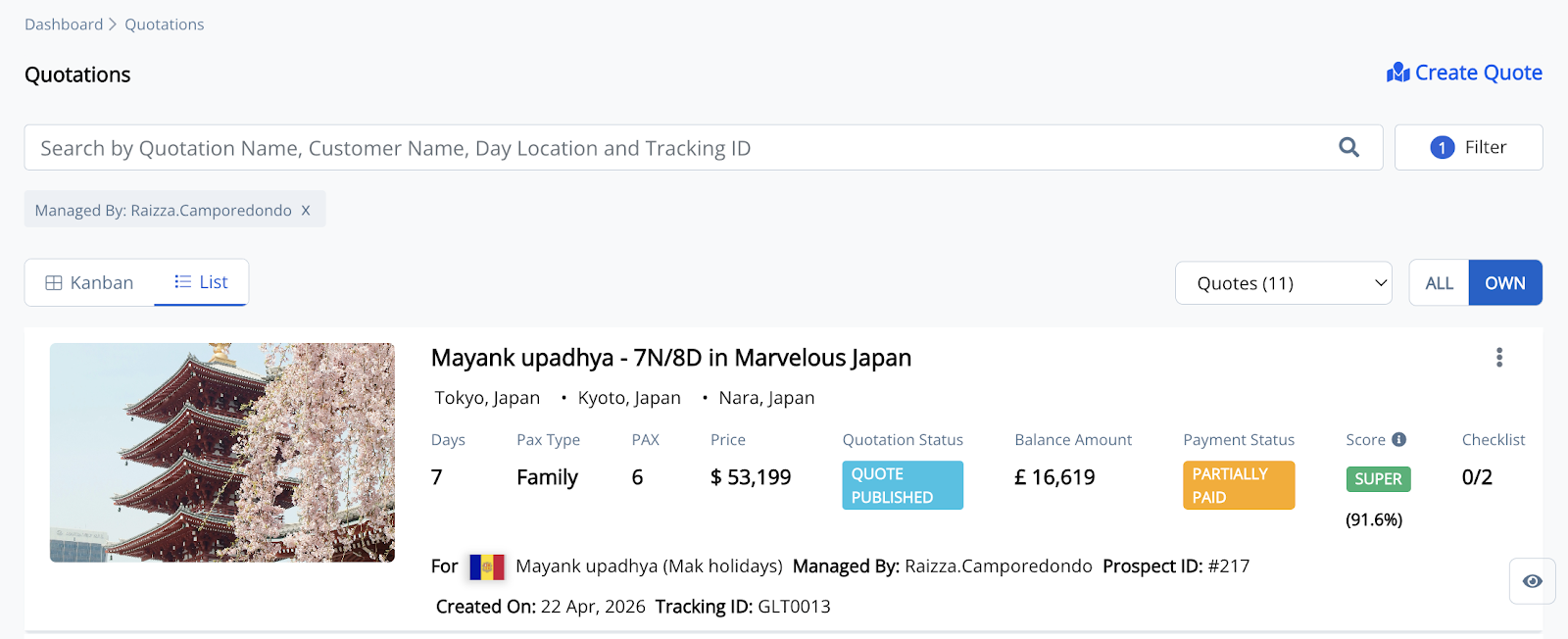
2. Open the quotation you want to manage.
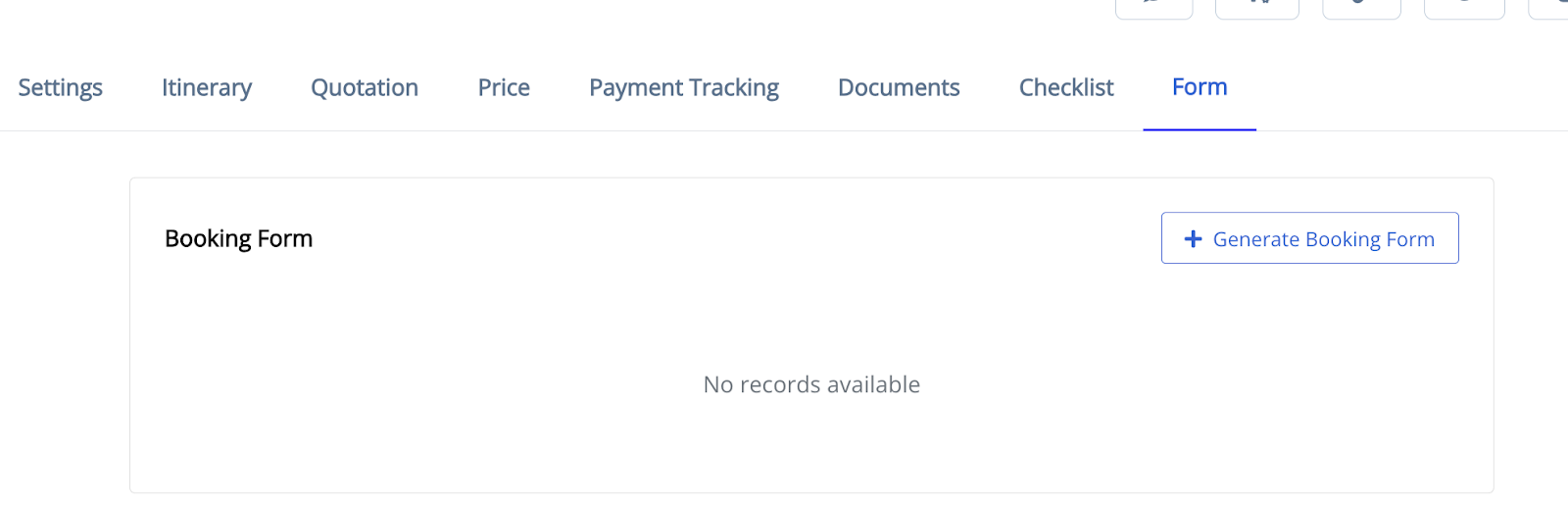
3. Select the Form tab and click Generate Booking Form.
4. Set the booking form details.
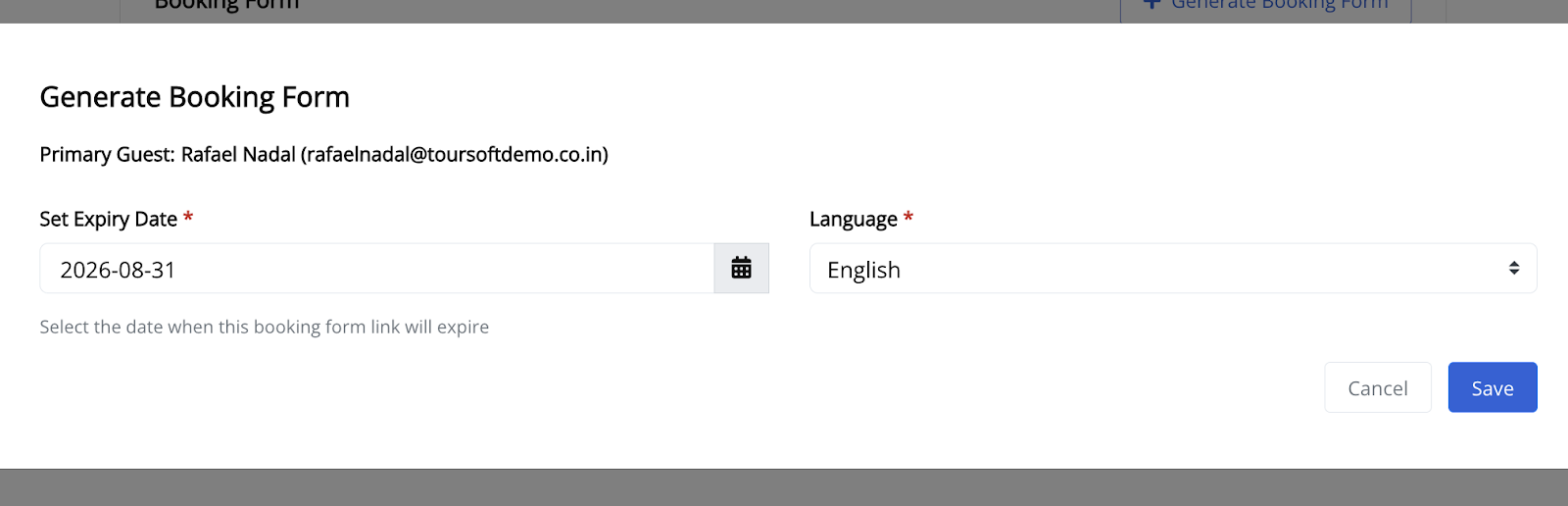
Complete the required information, including the expiry date and language, then click Save.
5.. Share the booking form with your customer.
After the booking form has been created, you can:
* Click the Copy URL icon to copy the public booking form link and share it through your preferred communication channel.
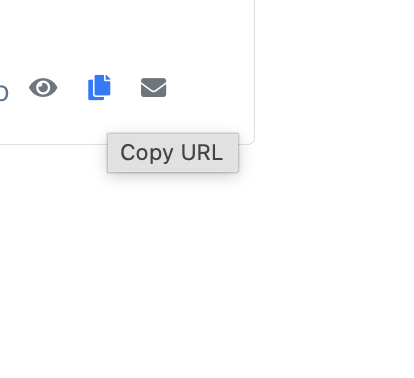
* or click the Send Email icon to send the booking form directly to the customer's email address.
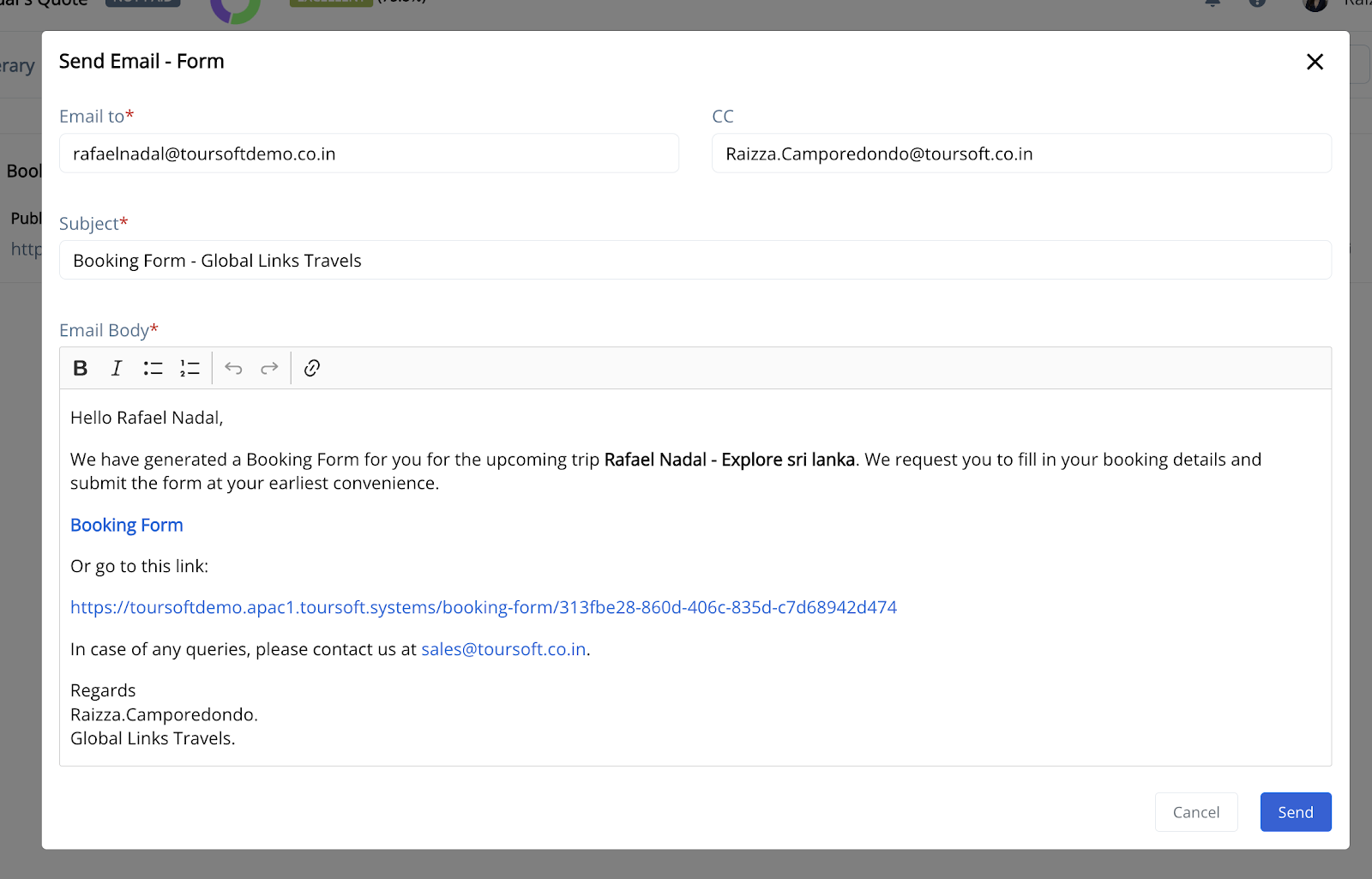
The booking form will be generated and displayed in the Form tab.
Note:
Customers can complete and submit the booking form using the public link or the email invitation. Once submitted, the booking details will be available for review in Toursoft.