Creating a Travel Overview Report
The Travel Overview report provides a day-by-day summary of the itinerary, including accommodations, activities, transfers, services, and other travel information. You can customize the report layout before exporting or sharing it.
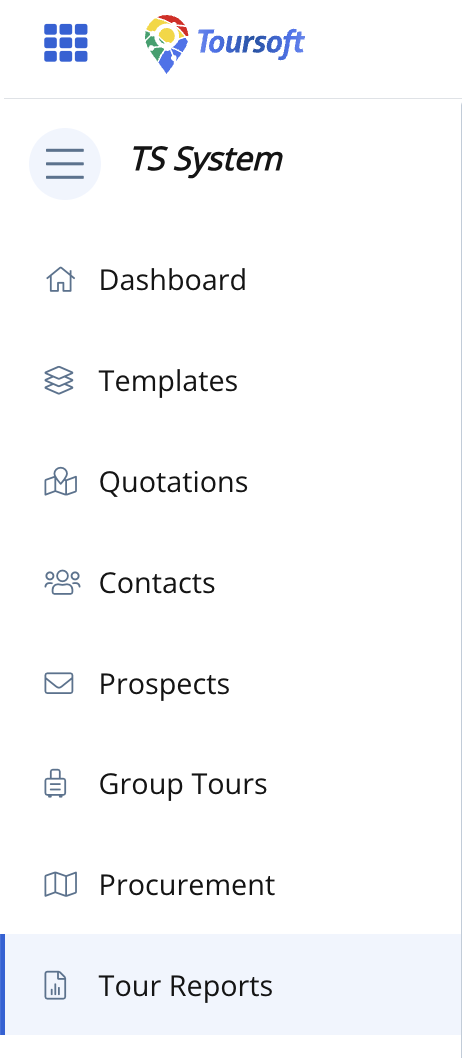
1. From the left navigation menu, click Tour Reports.
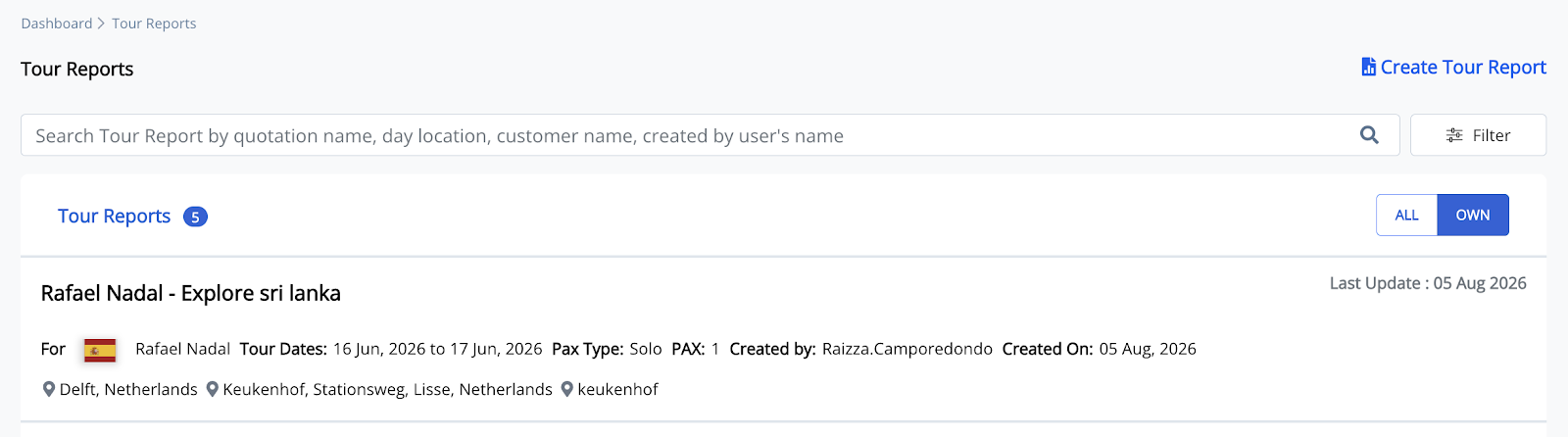
Open the tour report where you want to add a Travel Overview report.
2. Open the Quotation you want to generate the report
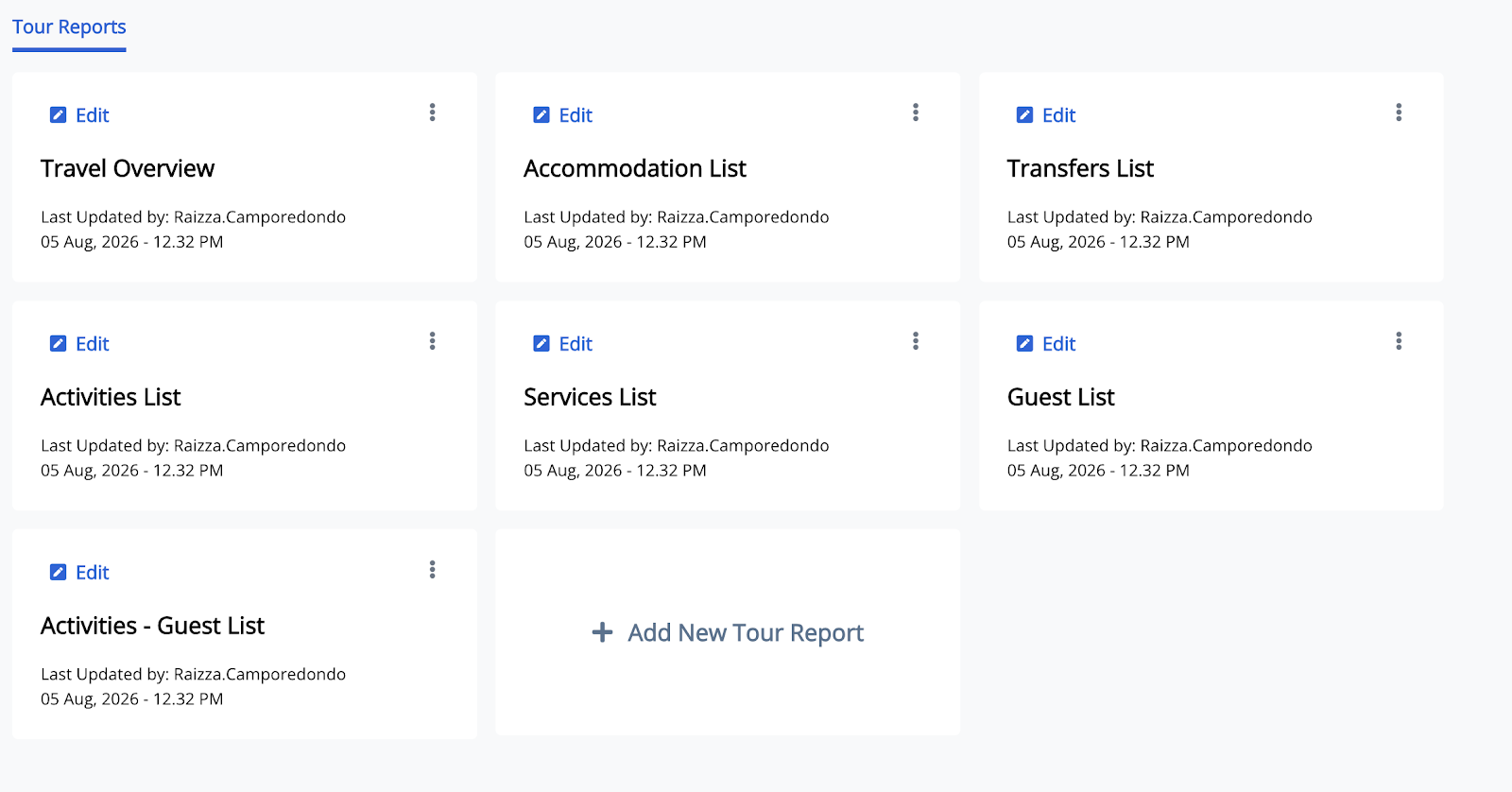
The available report types will be displayed.
3. Select Travel Overview then click Edit
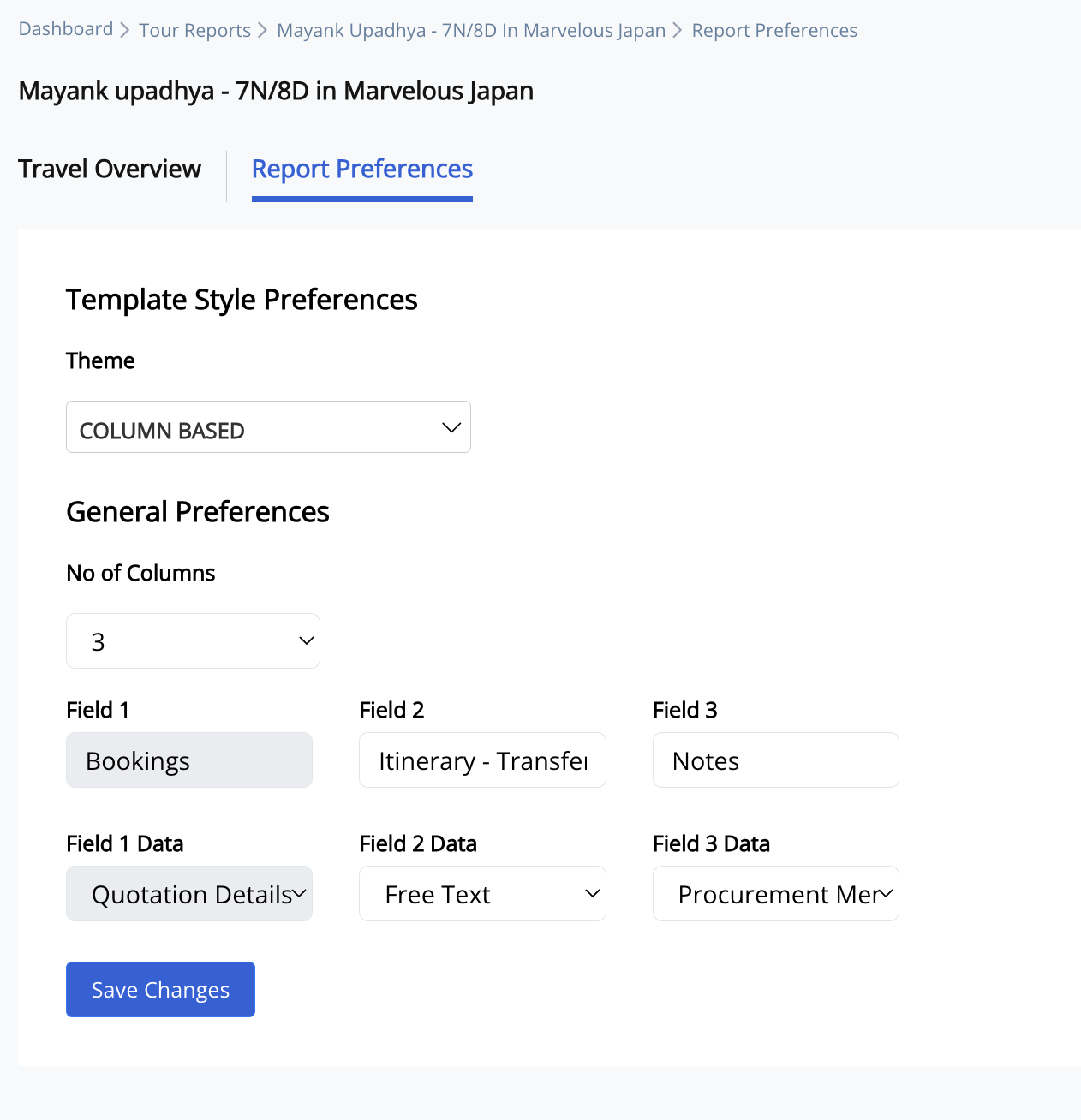
4. Once the Travel Overview opens you can now Customize the Report Preferences
Click 'save changes', then the Travel Overview report is generated.
5. Open the generated Travel Overview report.
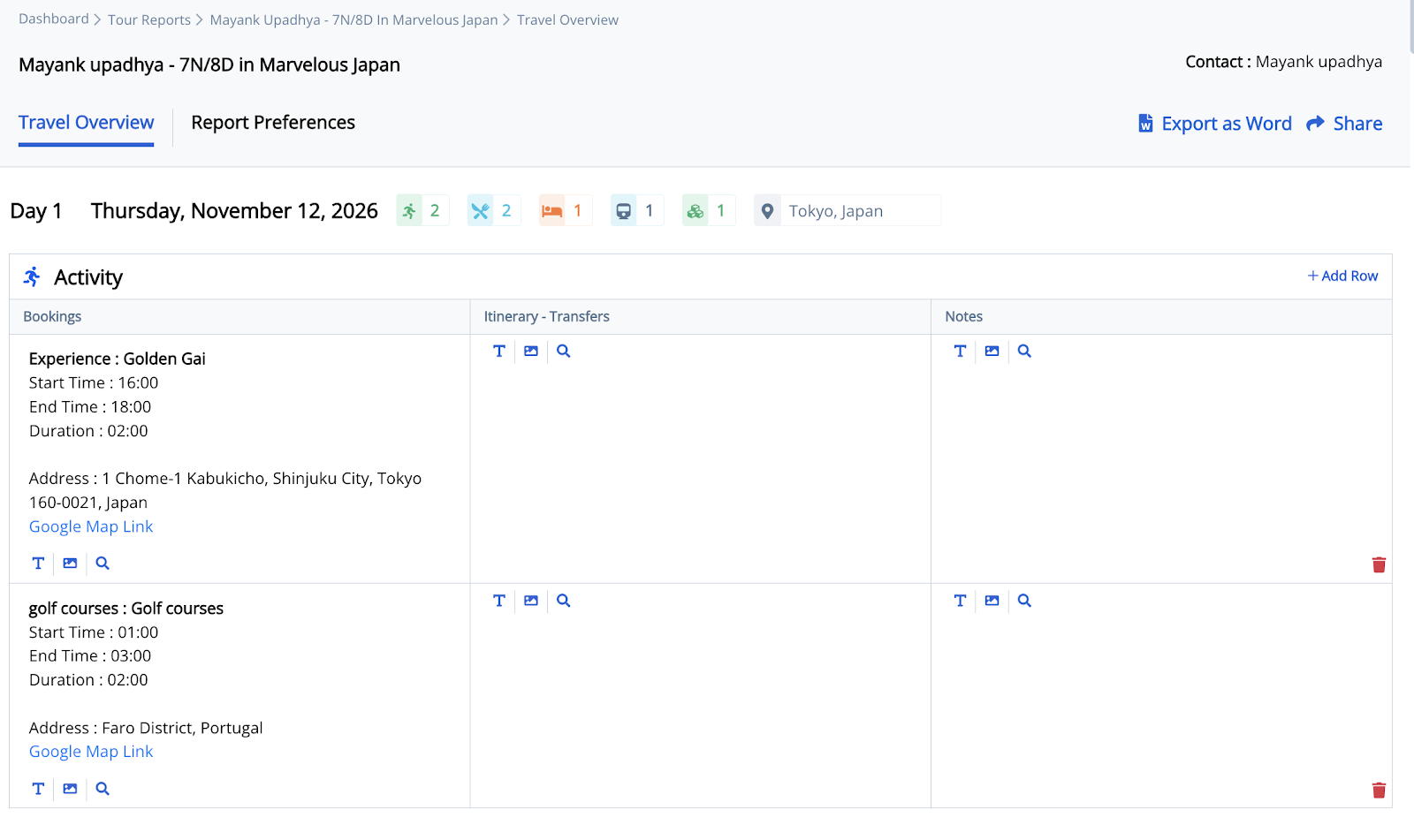
6. Click Export as Word or Share.
Note: Once the report is generated, you can either export it as a Word document and print it for endorsement to guests or staff, share it directly via email, or generate a public link to share the report online.