Tracking Payments Made to the Supplier
Need to keep track of supplier payments? Toursoft allows you to record payments, monitor outstanding balances, and update the payment status for every procurement booking.
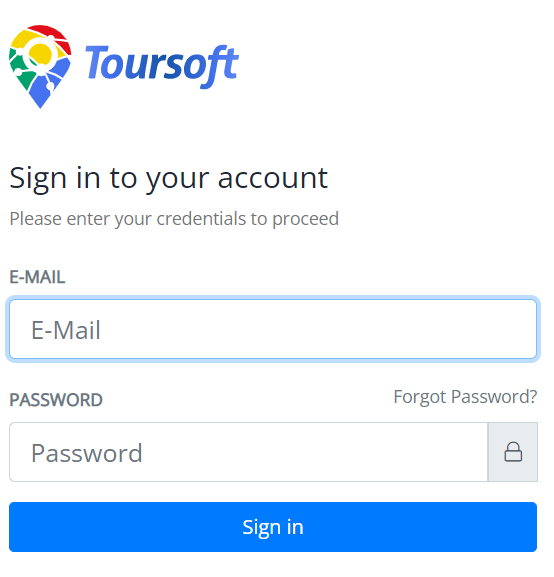
1. Login to Toursoft with your email and password.
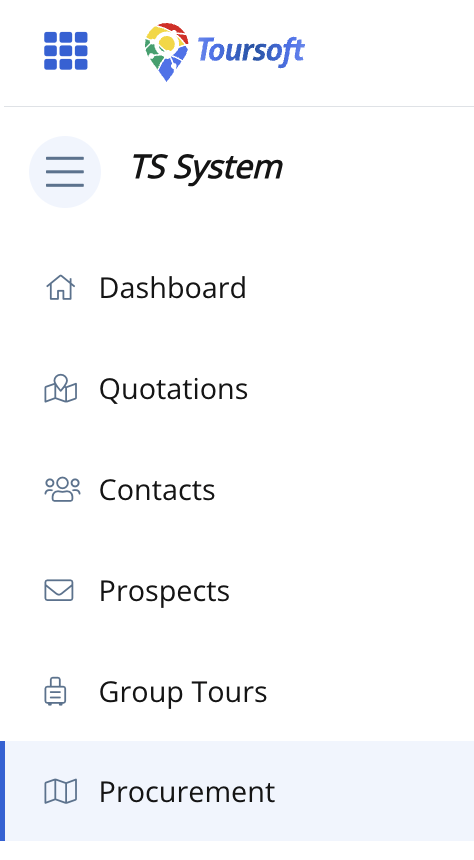
2. On the left-hand sidebar, select Procurement.
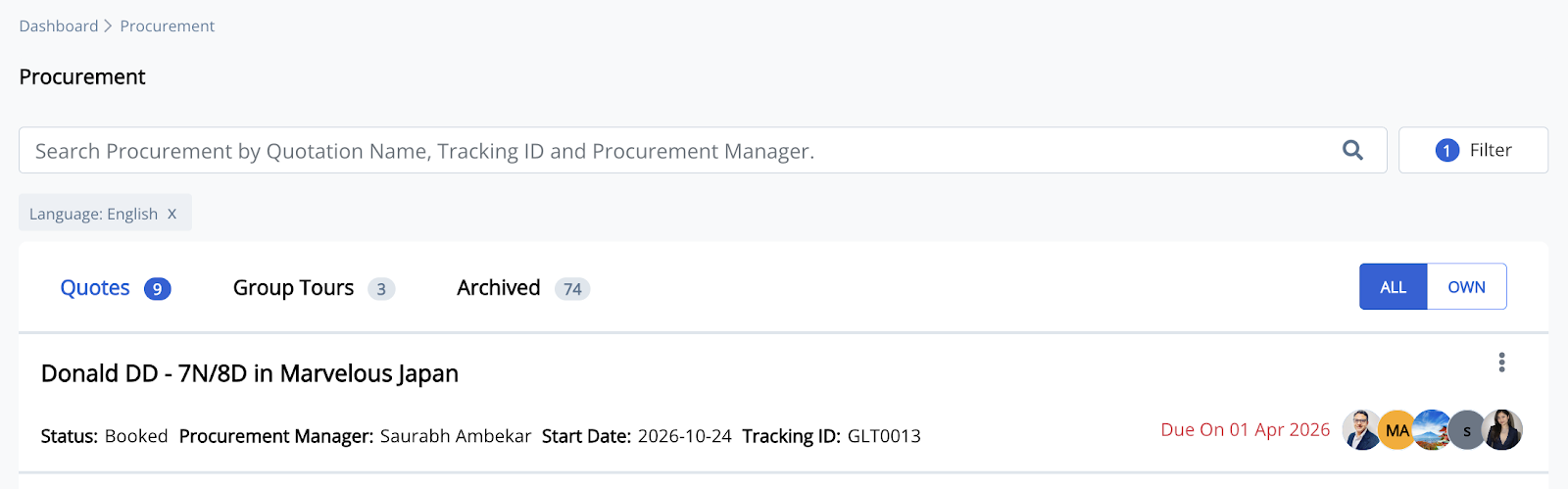
3. Open the procurement you want to manage.
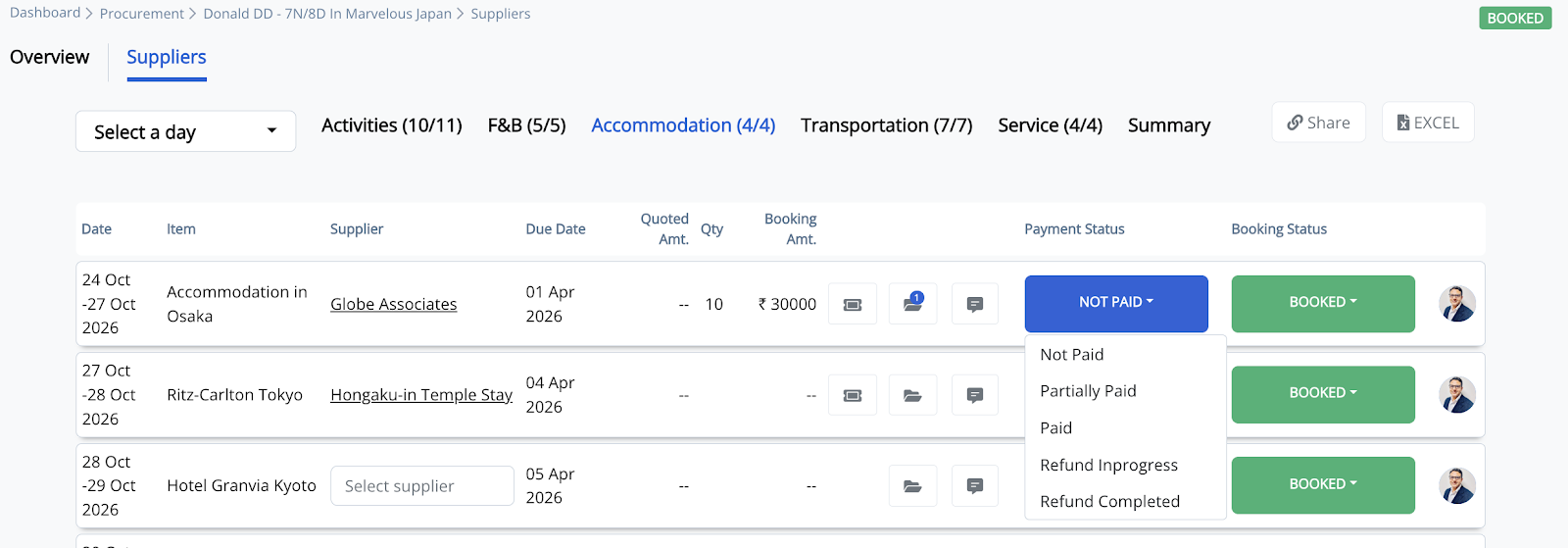
4. Select the appropriate procurement category (Activities, F&B, Accommodation, Transportation, or Service), then click the Payment Status dropdown and select the appropriate payment status.
5. Click the supplier's name to open the Activity Procurement window.
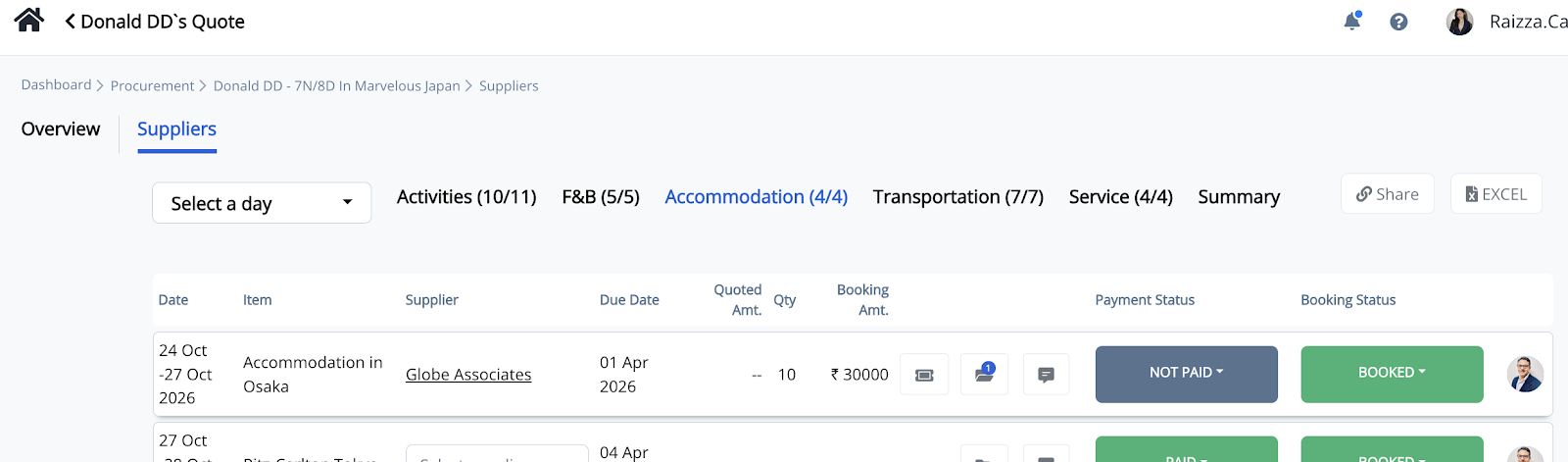
6. Select the Payment Tracking tab.
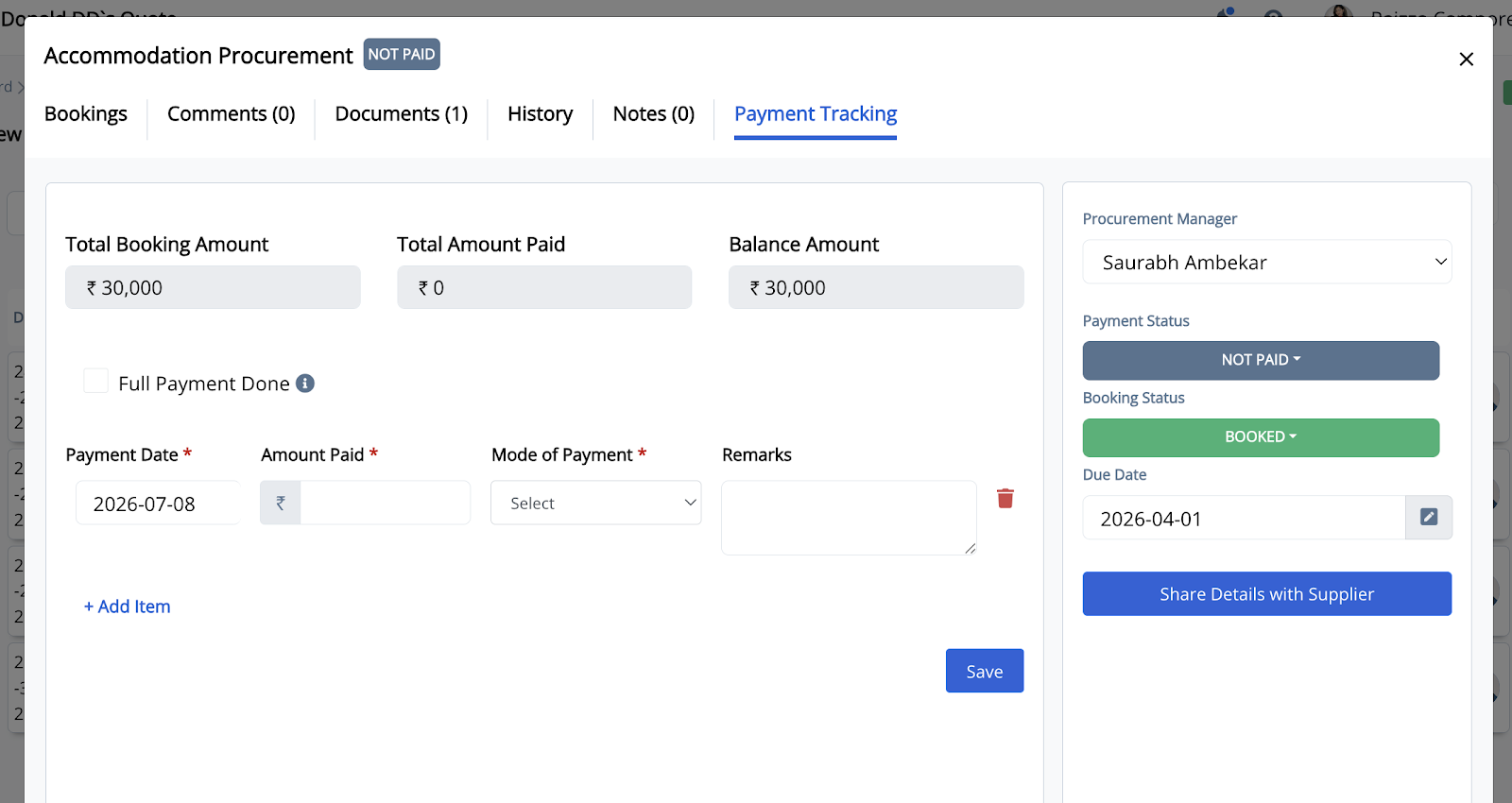
7. Enter the payment details, including:
-
Payment Date
-
Amount Paid
-
Mode of Payment
-
Remarks (optional)
If the booking has been fully paid, you may also enable Full Payment Done.
8. Click Save to record the payment.
The total amount paid, remaining balance, and payment history will be updated automatically.
Note: You can add multiple payment records by clicking + Add Item when recording installment payments.