Updating a Booking Form
You can update an existing booking form by modifying its settings, such as the expiry date or language. This allows you to keep the booking link active or adjust it based on your customer's requirements.
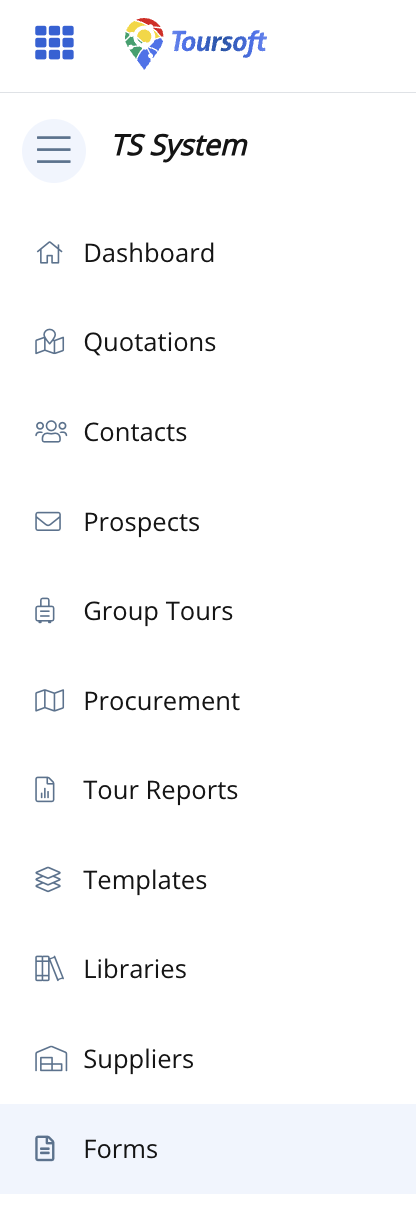
1. From the left-hand sidebar, select Forms.
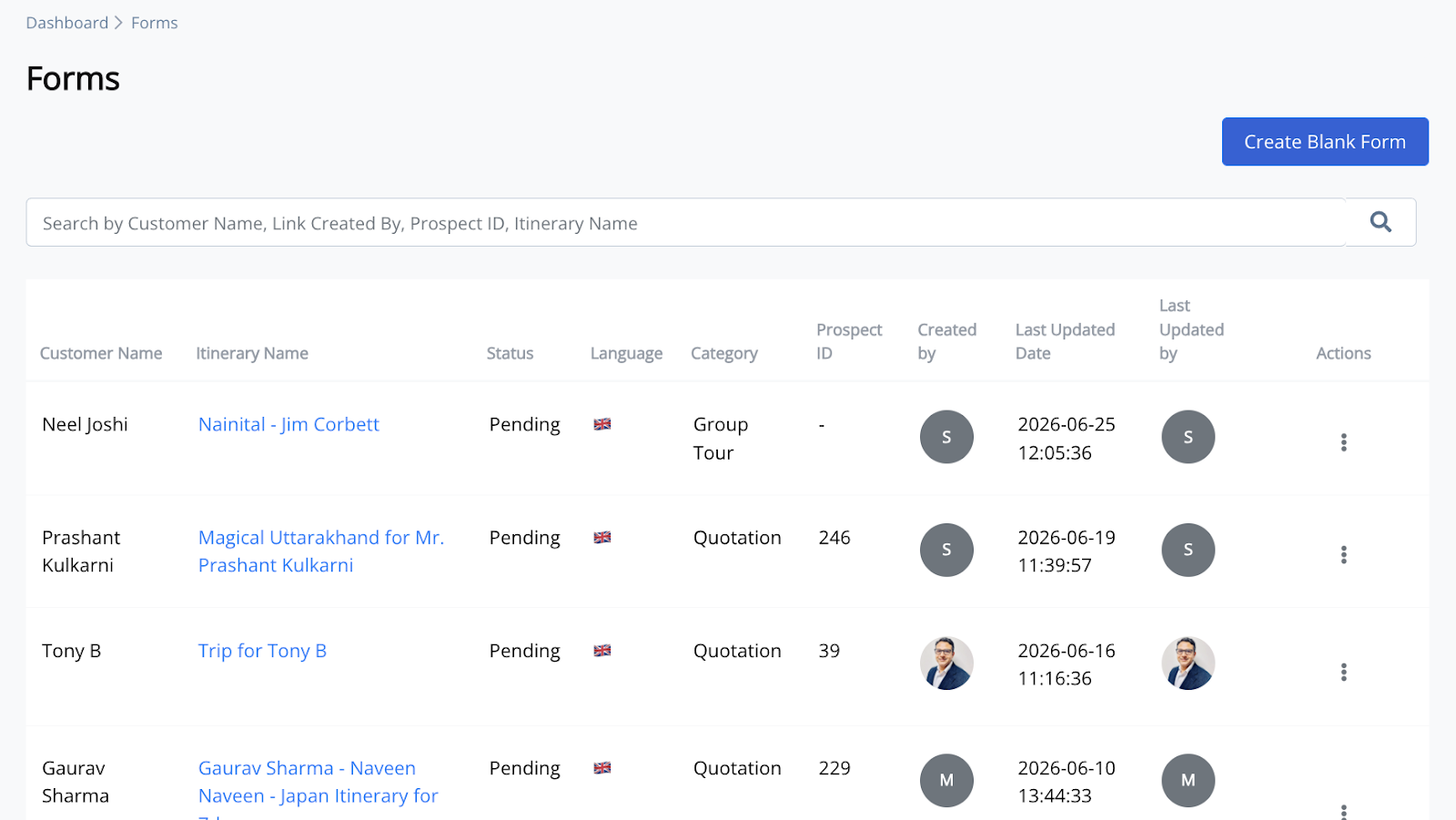
2. Locate the booking form you want to update.
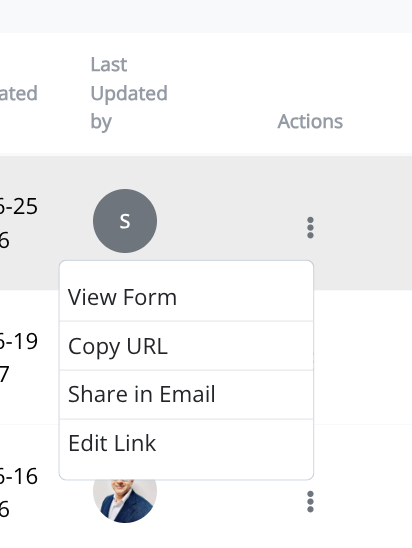
3. Click the three-dot (⋮) menu beside the booking form, then select Edit Link.
4. Update the booking form details.
Modify the expiry date, language, or both as required.
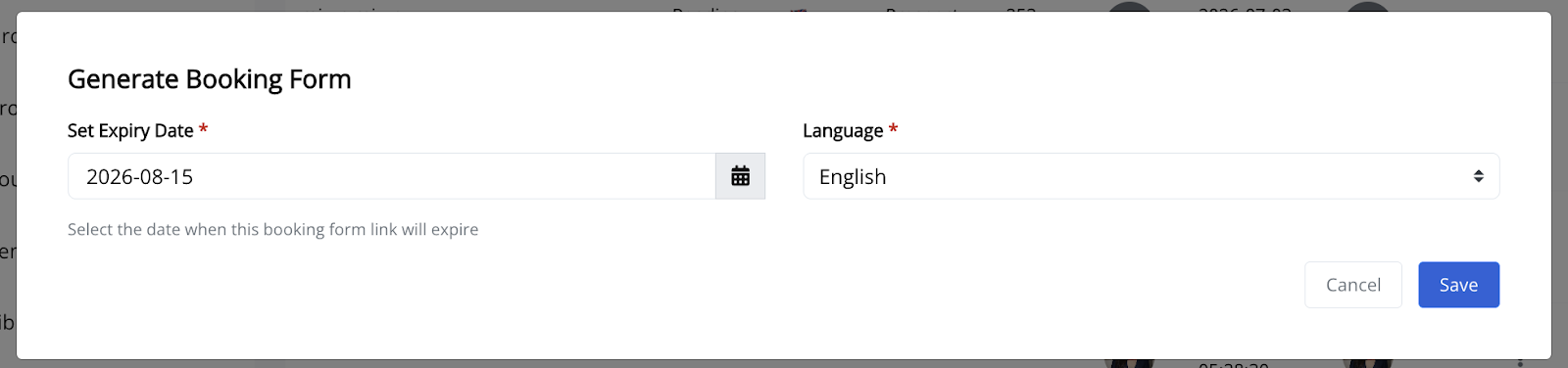
5. Review the updated information, then click Save.
The booking form settings will be updated immediately.
Note:
Updating the booking form does not affect information already submitted by customers. Only the booking form settings are updated.