Search Booking Form
The Search feature allows you to quickly locate booking forms using customer or itinerary information. This helps you find existing booking forms without manually browsing the entire list.
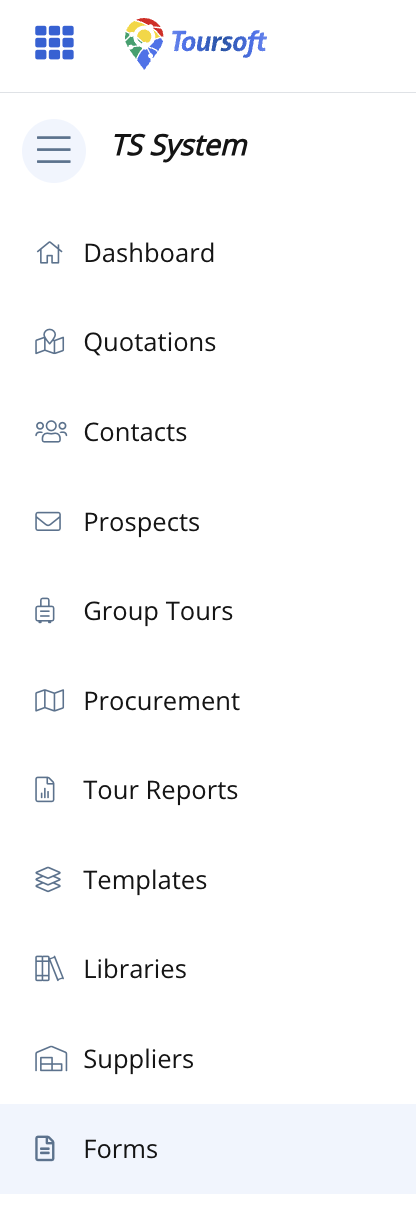
1. From the left-hand sidebar, select Forms.
2. Click the Search field.

3. Enter your search criteria.
You can search using the Customer Name, Link Created By, Prospect ID, or Itinerary Name, then click the Search icon or press Enter.
Matching booking forms will be displayed in the results list.
Note:
Using specific search terms will help you find booking forms more quickly and accurately.