Creating a Tour Report
Tour Reports allow you to generate operational reports from an existing quotation or group tour. Reports can be customized, edited, exported, and shared with your team or suppliers for endorsements and operational documentation.
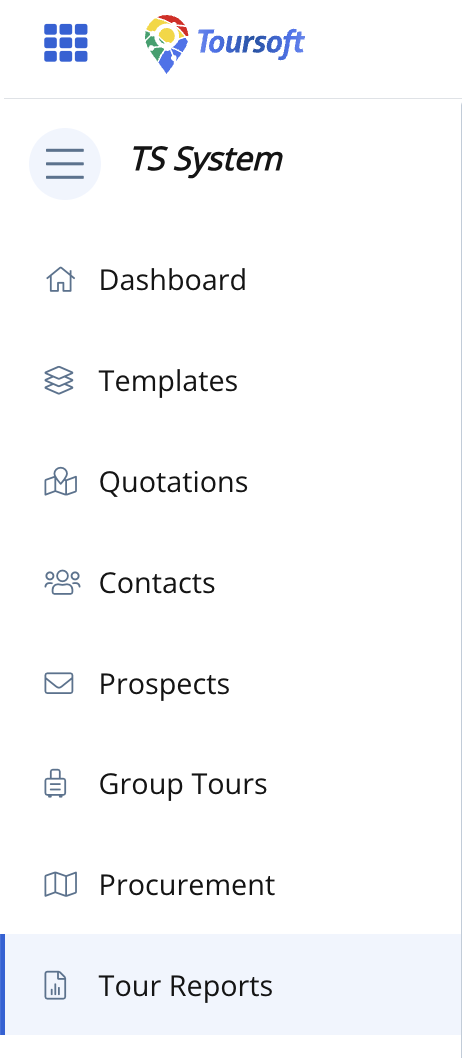
1. From the left navigation menu, click Tour Reports.
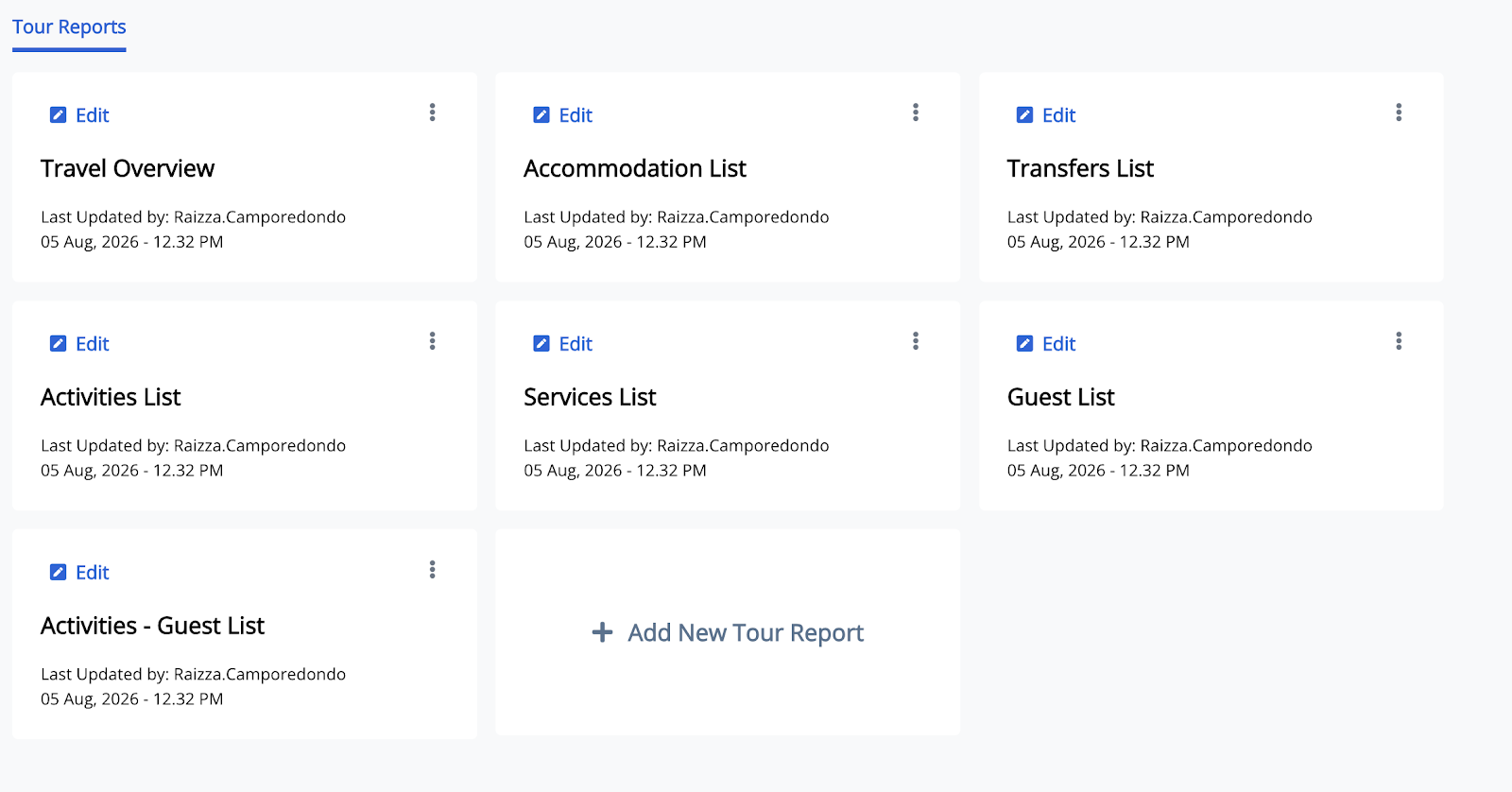
The Tour Reports page opens and displays all existing tour reports.
2. Click Create Tour Report.
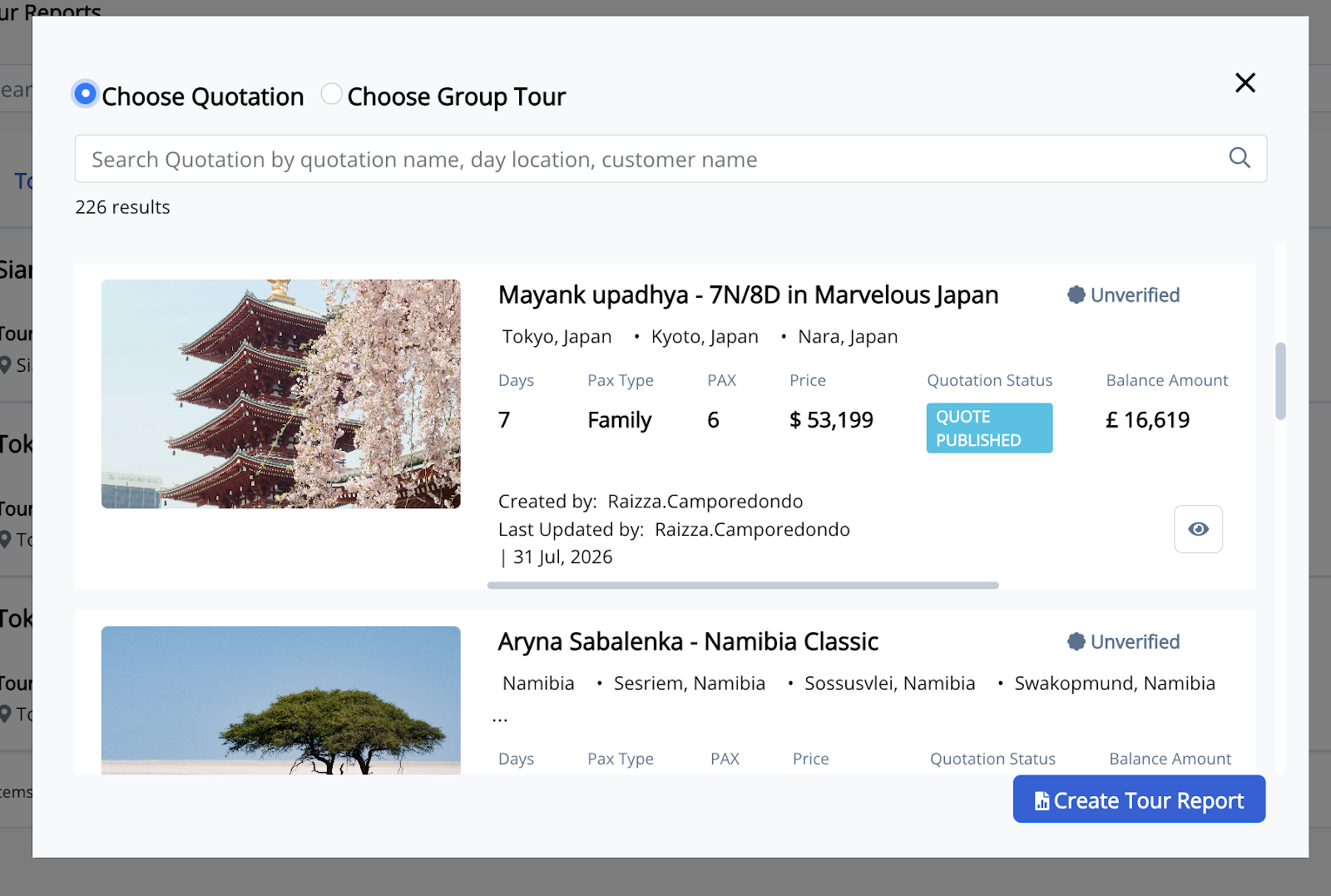
A dialog box appears allowing you to create a report from either a quotation or a group tour.

3. Select Choose Quotation or Choose Group Tour.
Search for and select the quotation or group tour you want to use. Then click the Create Tour Report icon.
4. Once you have selected a quotation, click Add New Tour Report.
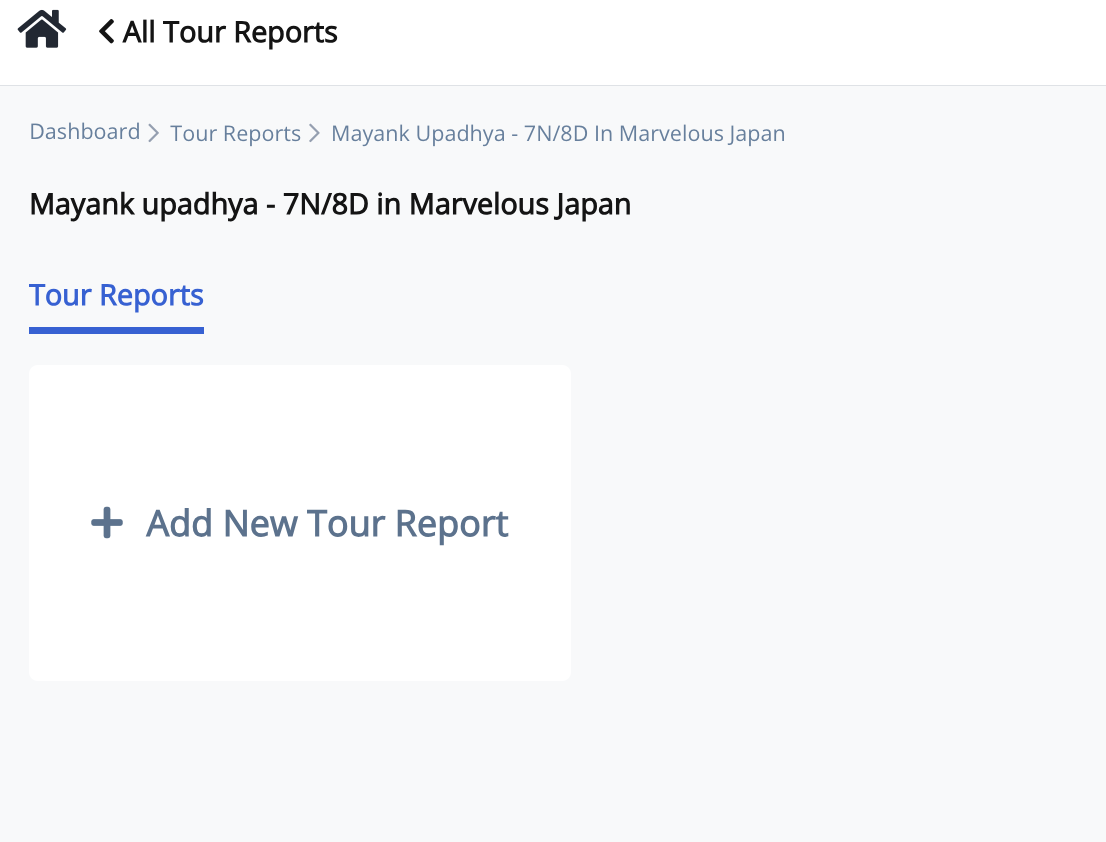
A list of available report types is displayed.
5. Select one or more report types.
You can select multiple reports to generate at the same time.
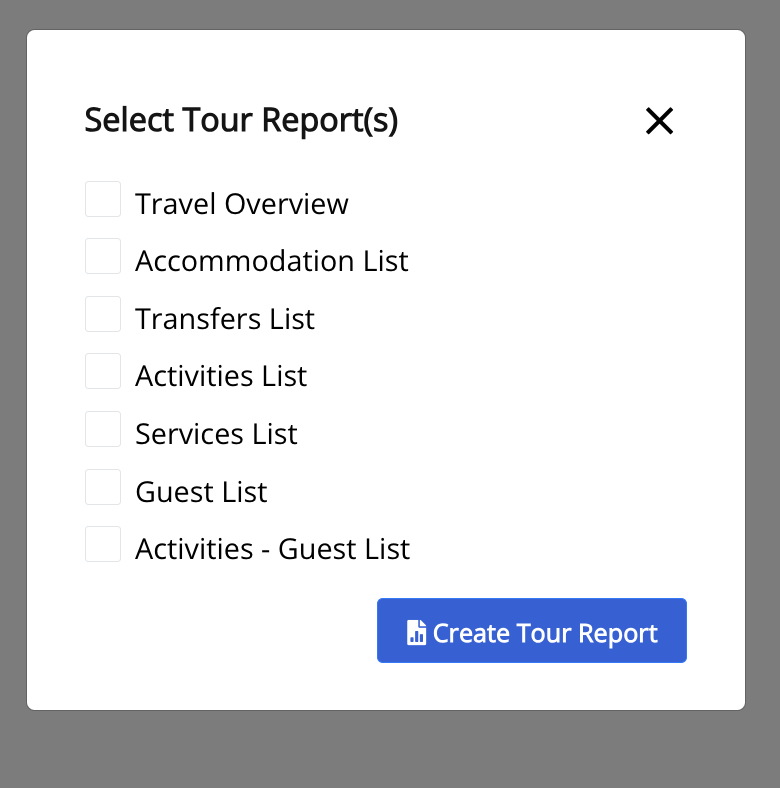
6. Click Create Tour Report.
The selected report(s) are generated and added to the Tour Reports page.
Note: Generated reports remain linked to the selected quotation or group tour and can be edited, exported, or shared at any time.