Connecting with Mailchimp
Connect TourSoft with Mailchimp to support your marketing and communication activities through your Mailchimp account.
1. From the left navigation menu, click Settings.
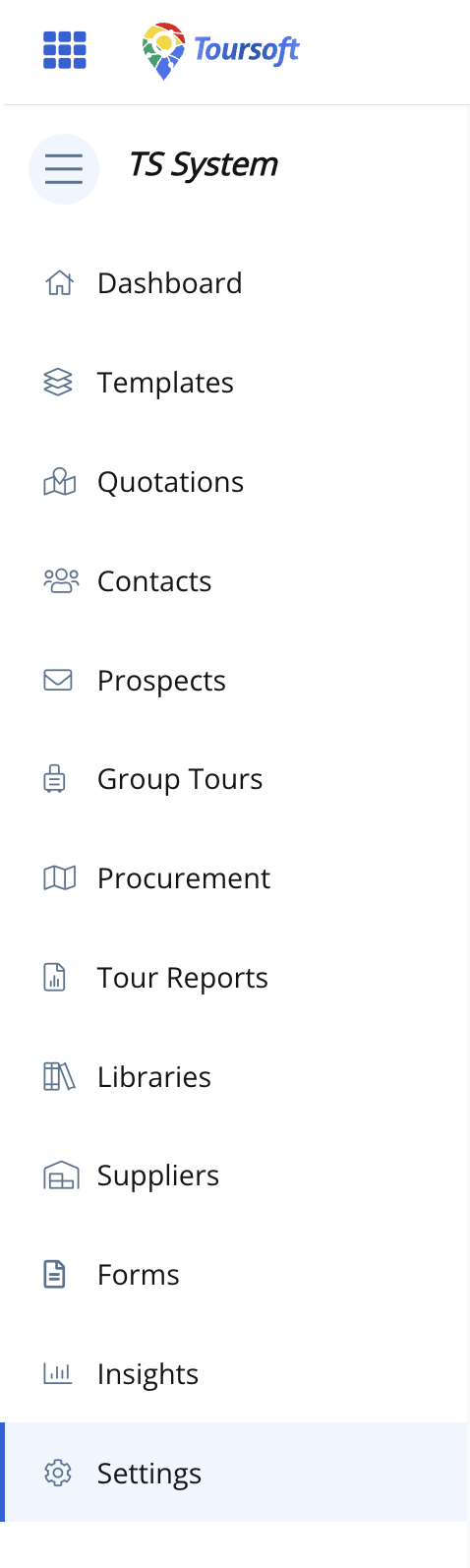
2. From the Settings menu, click Integrations.
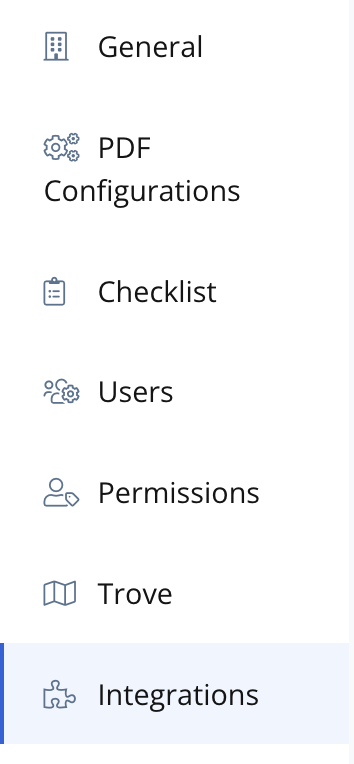
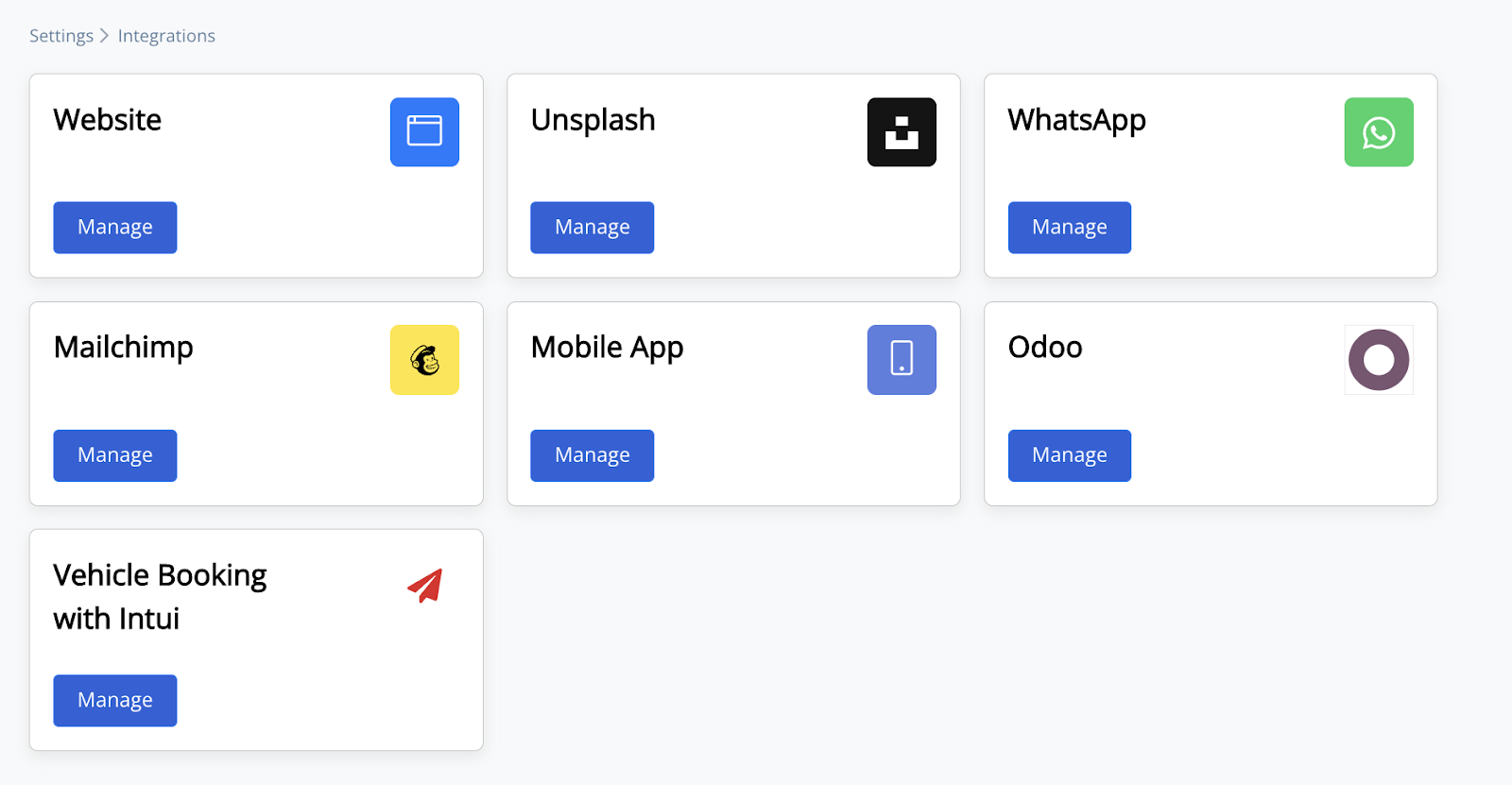
The Integrations page will display the available integrations in TourSoft.
3. Locate Mailchimp and click Manage.
4. Add the details being required.
Note: Make sure the details you enter are correct and belong to the Mailchimp account you want to connect with TourSoft.