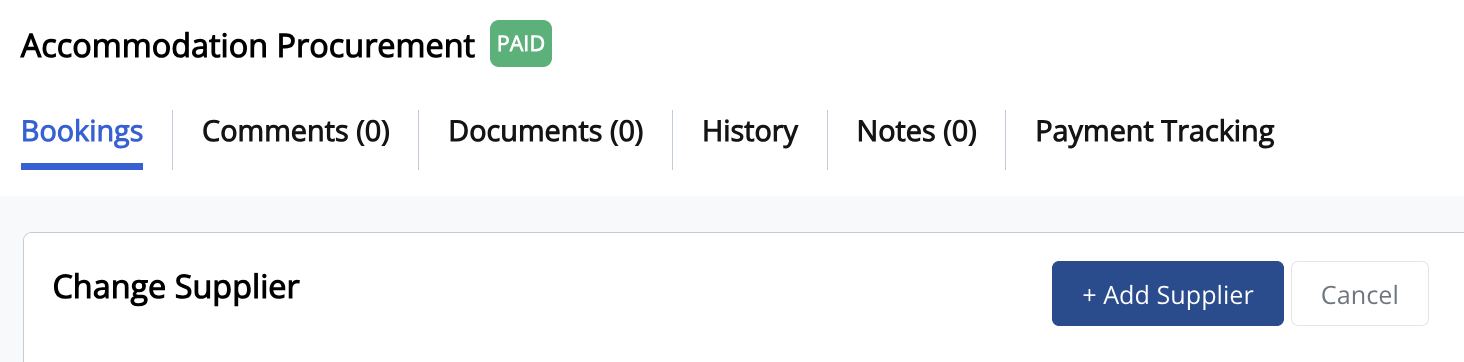
Assigning or Changing a Supplier
Need to assign a supplier for a booking or replace an existing one? Follow these steps to update the supplier in the Procurement module.
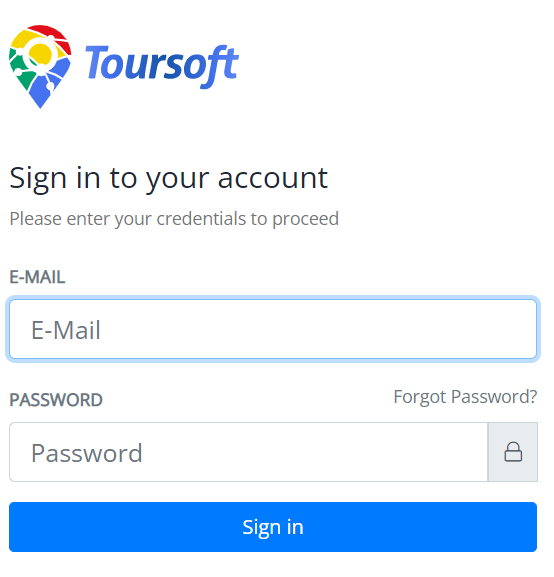
1. Login to Toursoft with your email and password.
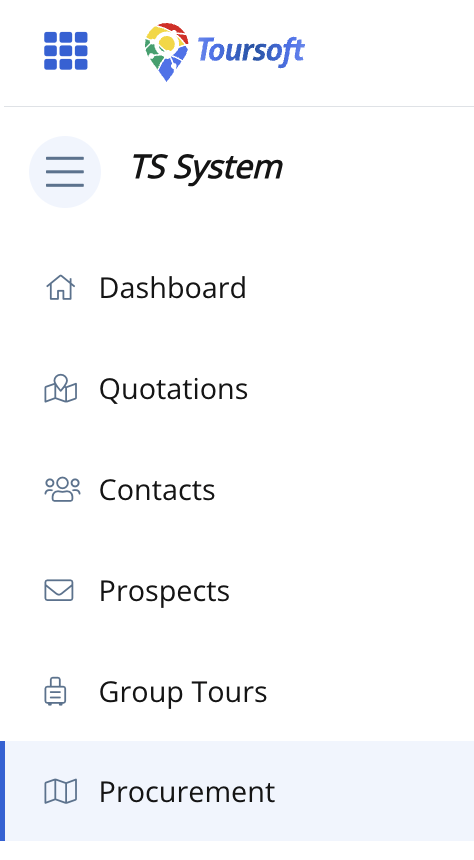
2. On the left-hand sidebar, select Procurement.
3. Open the procurement you want to manage.
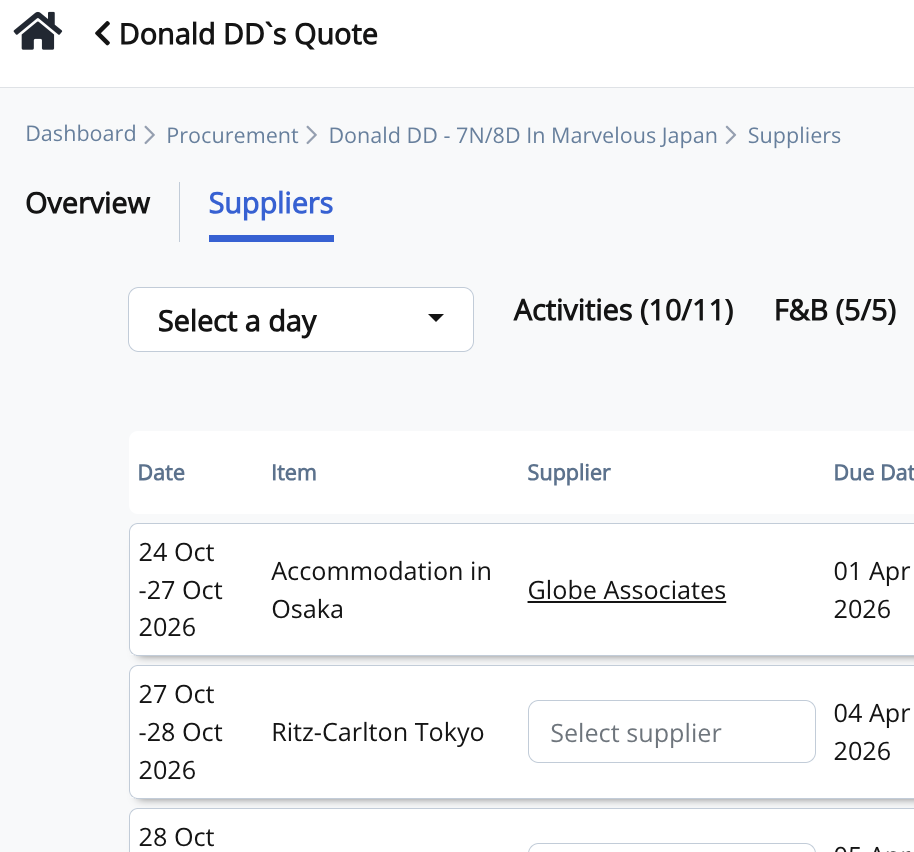
4. Select the appropriate procurement category (Activities, F&B, Accommodation, Transportation, or Service).
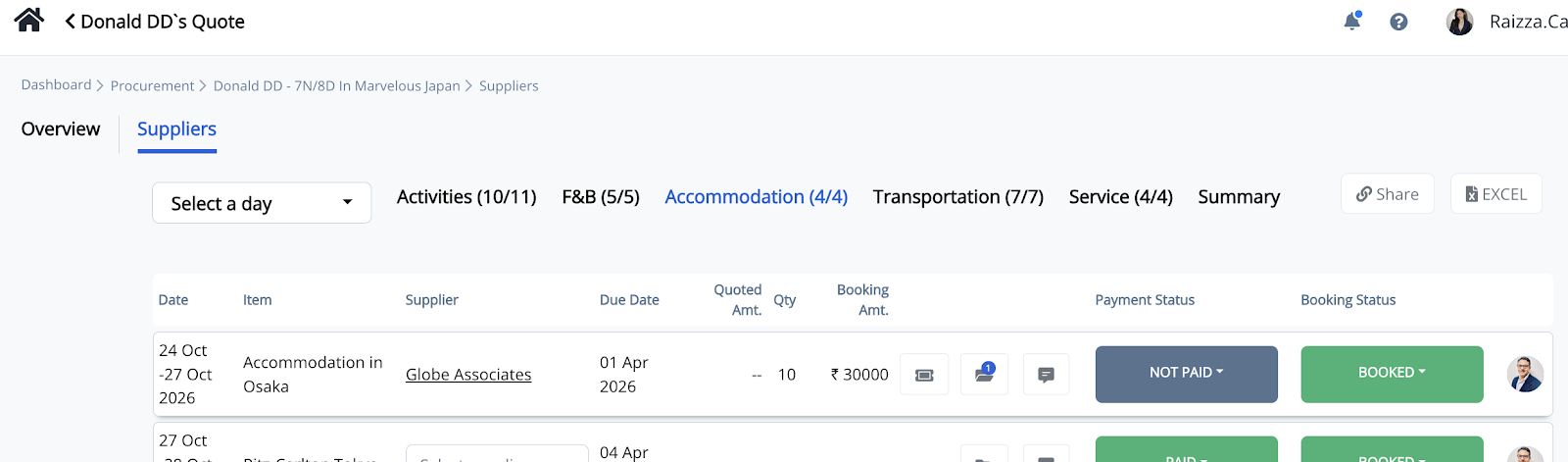
5. To assign a supplier, click the Select Supplier field. To change an existing supplier, click the current supplier's name.
6. In the Change Supplier window, search for the supplier by entering its name in the Search by Supplier Name field.
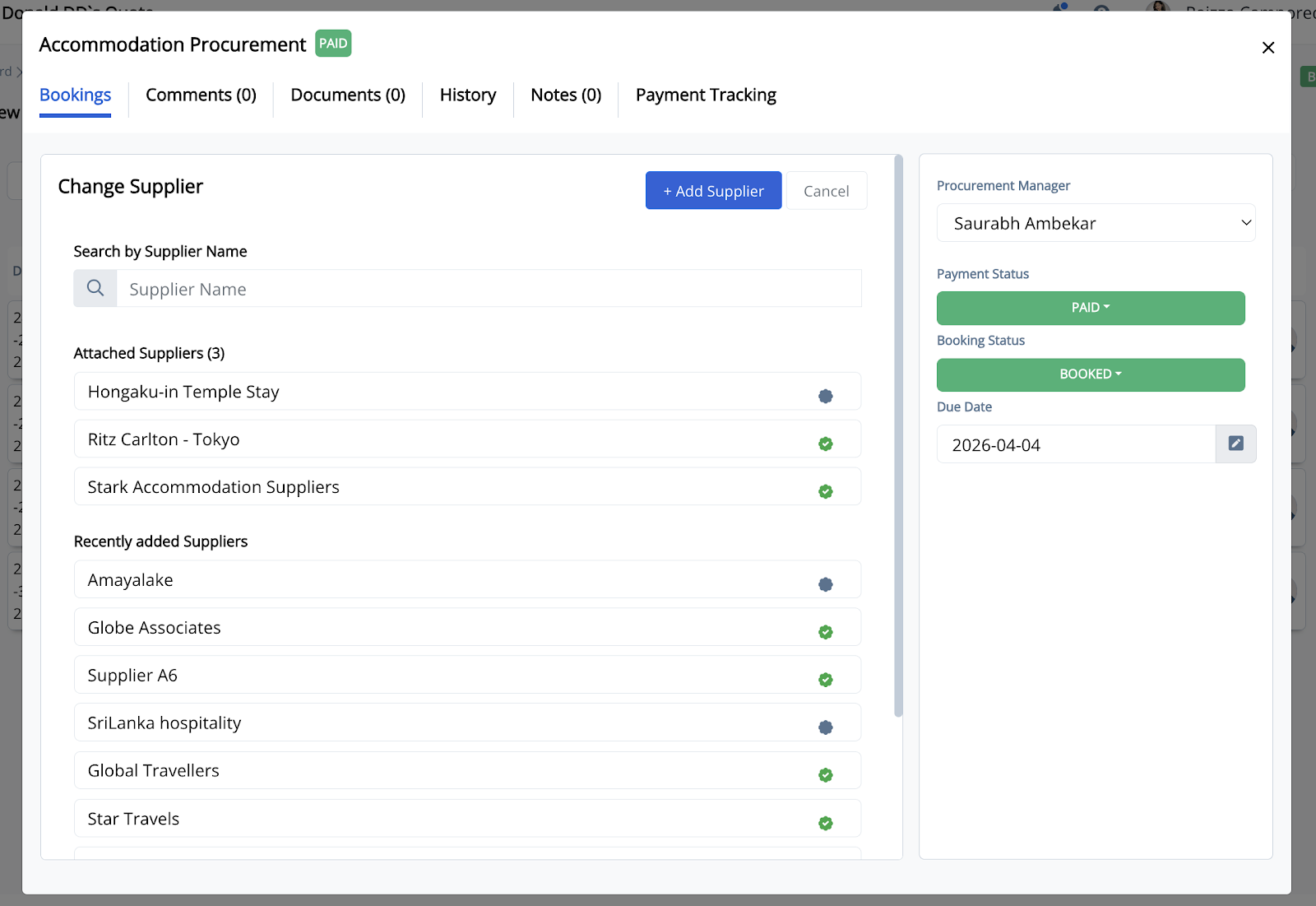
You can also browse the available suppliers from the search results list.
7. Select your preferred supplier from the search results.
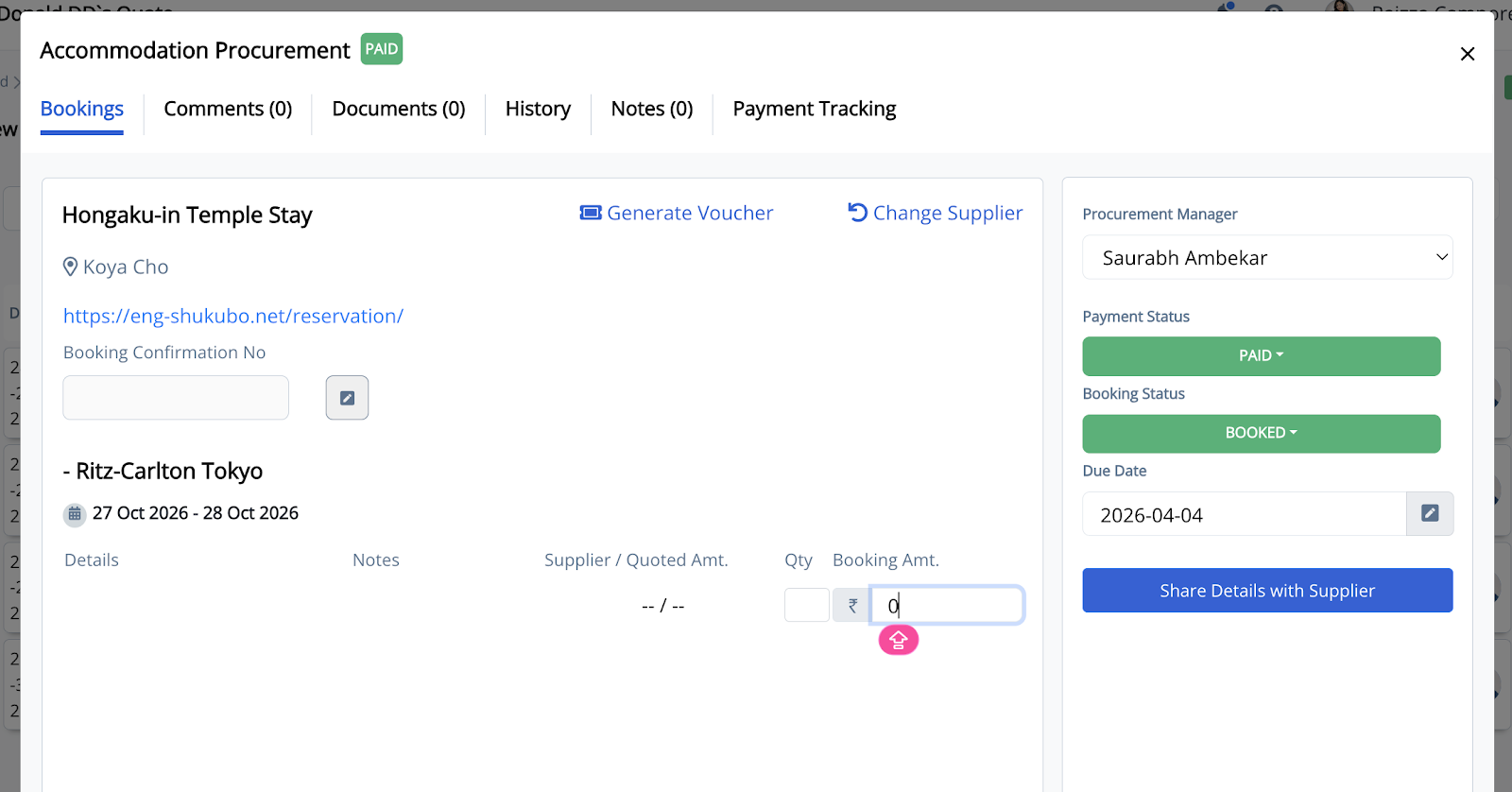
The selected supplier will automatically be assigned to the procurement item and its details will be displayed.
You may also enter the following booking information before proceeding:
- Booking Amount – Enter the total amount charged by the supplier.
- Quantity (Qty) – Specify the number of rooms, units, or services booked.
- Booking Confirmation Number – Record the supplier's confirmation or reservation reference.
- Notes – Add any special instructions or important booking details, if required.
Note: If the supplier you're looking for is not available, click + Add Supplier to create a new supplier before assigning it to the booking.