Generate Transfers List
The Transfers List report displays all scheduled transfer services included in the selected itinerary.
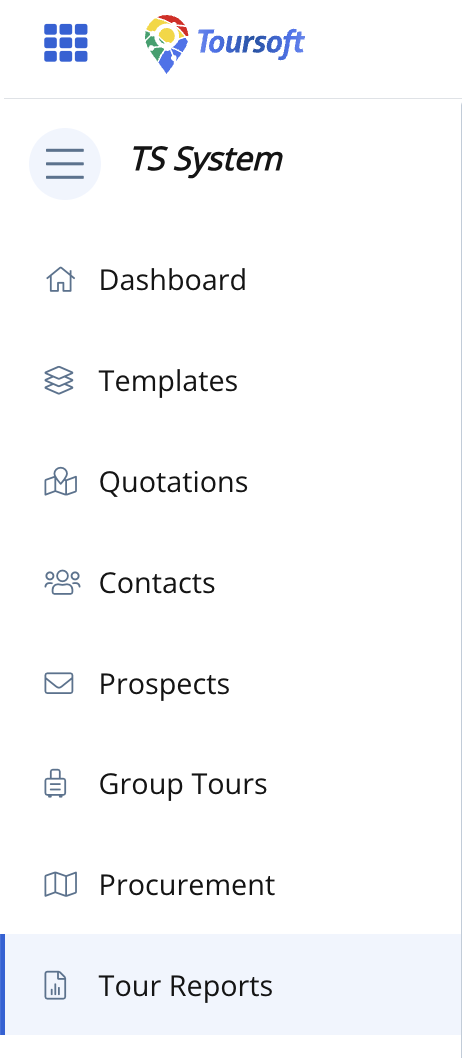
1. From the left navigation menu, click Tour Reports.
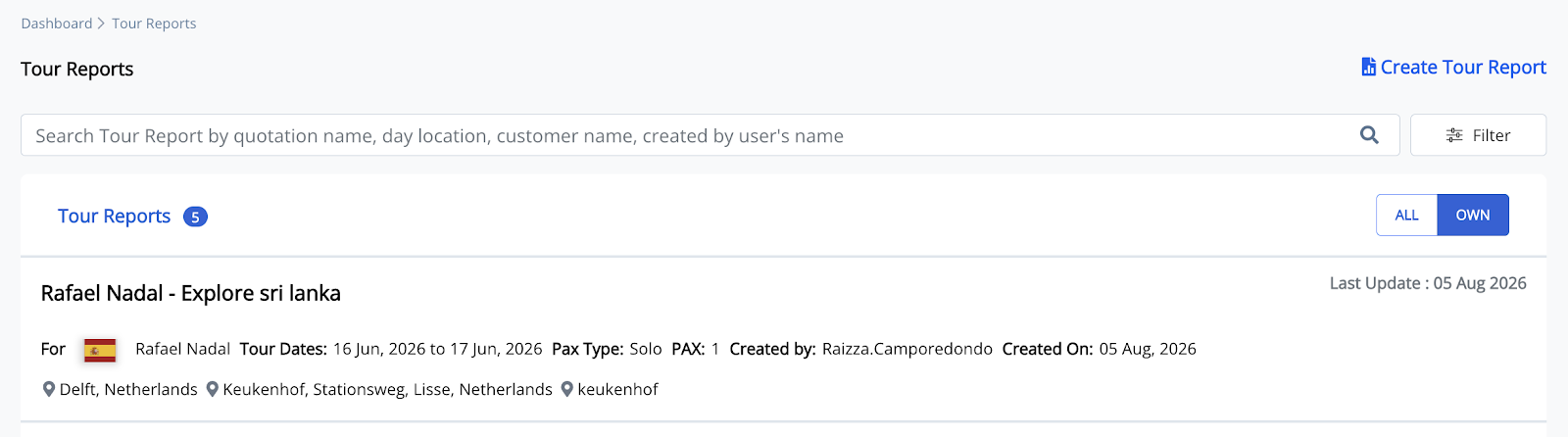
Open the tour report where you want to add a Transfers List report.
2. Open the Quotation you want to generate the report
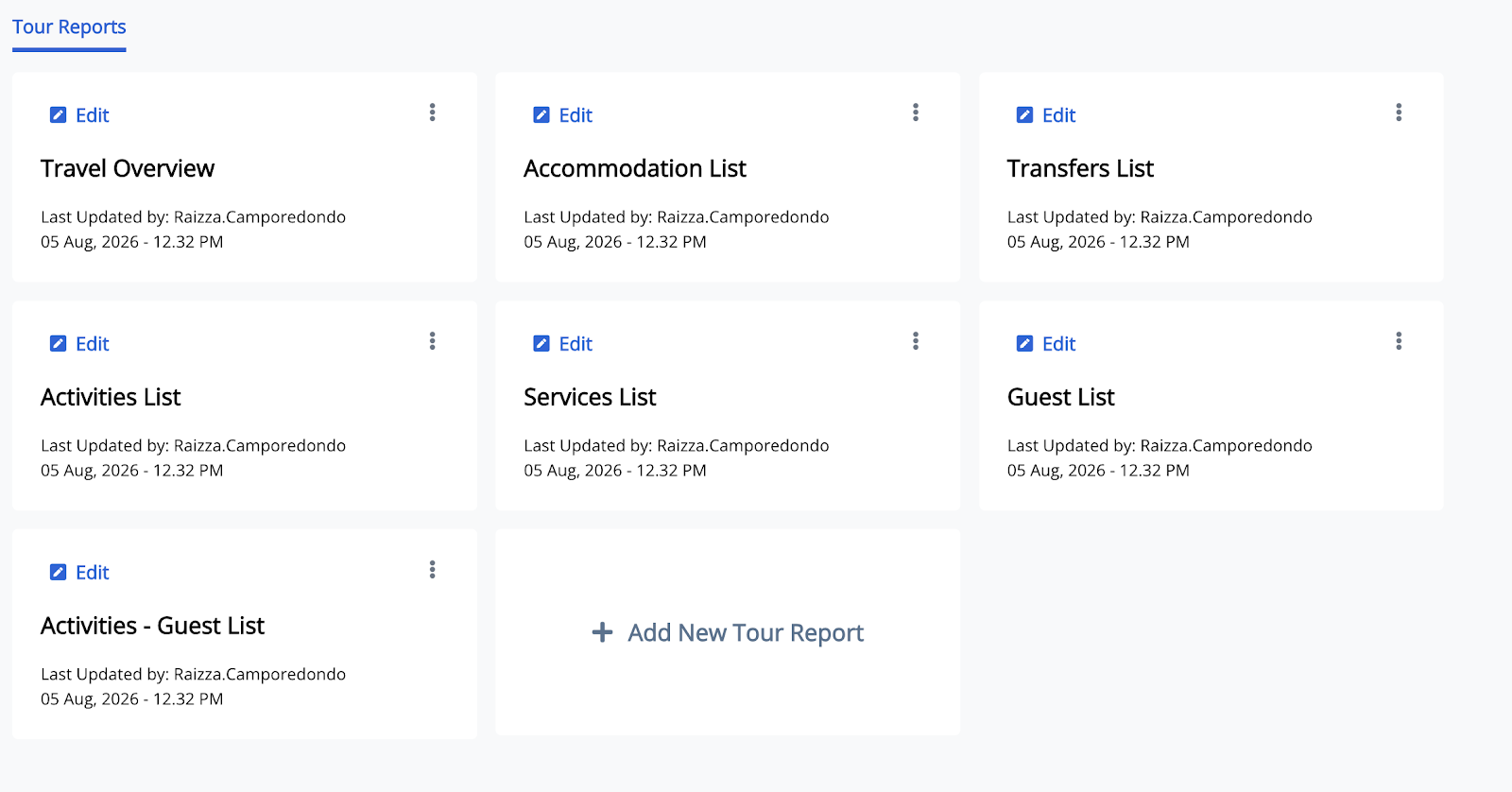
The available report types will be displayed.
3. Select Transfers List then click Edit
4. Once the Transfers List opens you can now Customize the Report Preferences
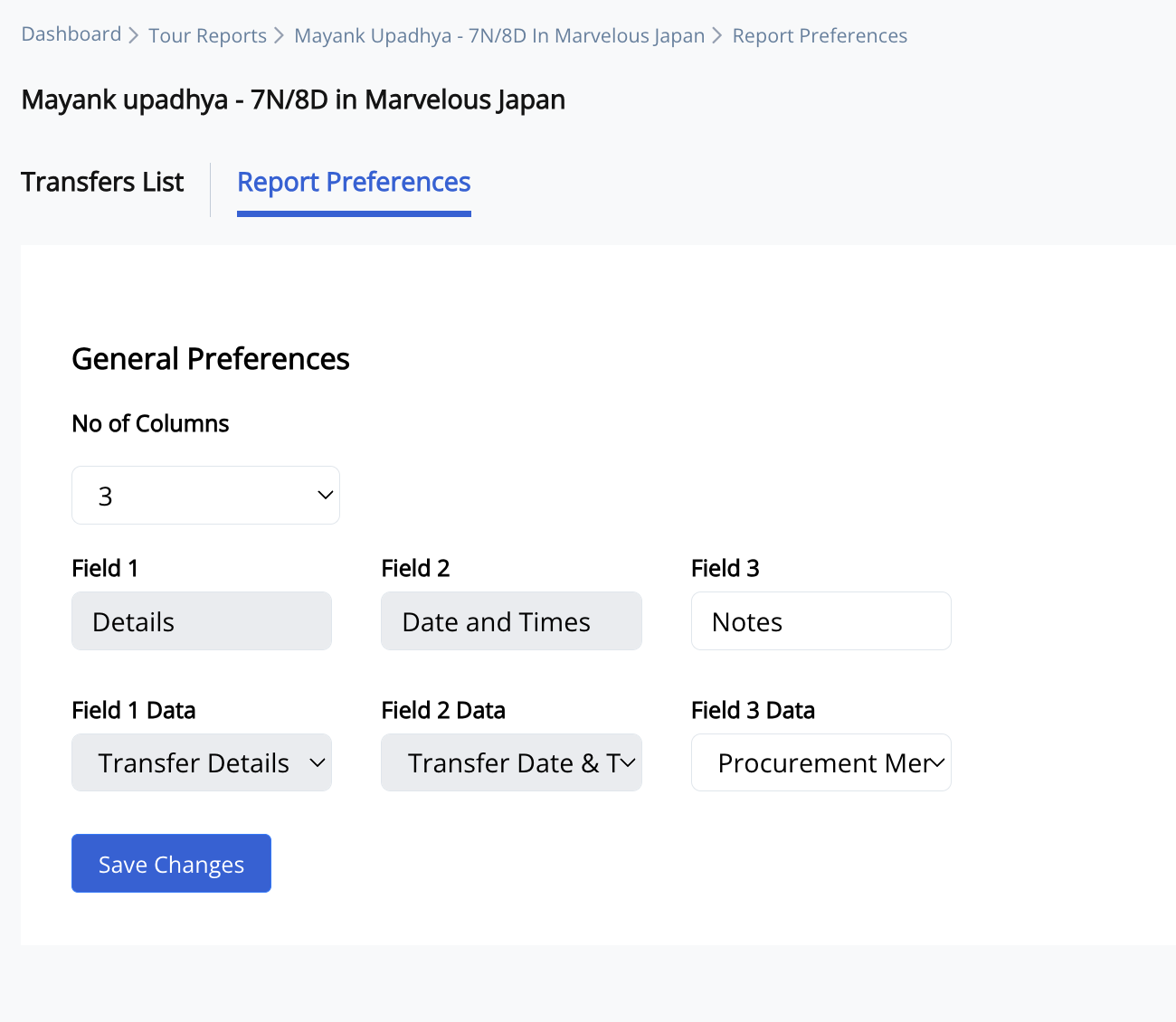
Click 'save changes', then the Transfers List report is generated.
5. Open the generated Transfers List report.
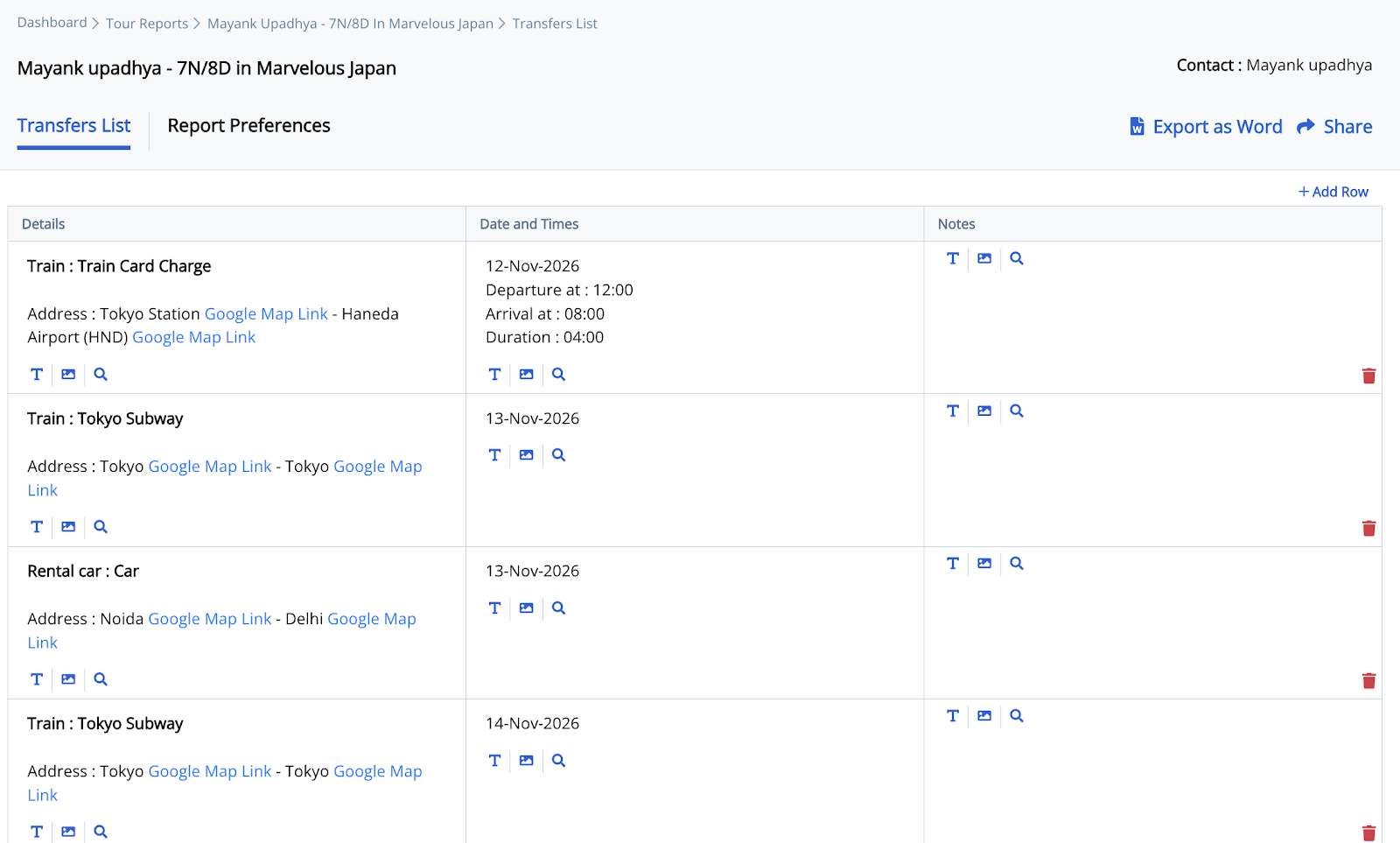
6. Click Export as Word or Share.
Note: Once the report is generated, you can either export it as a Word document and print it for endorsement to guests or staff, share it directly via email, or generate a public link to share the report online.