Creating a Group Tour
Create a Group Tour to organize multiple travelers under a single itinerary. Select a template, define your tour details, and generate a centralized dashboard for managing customers, staff, procurement, and tour operations.
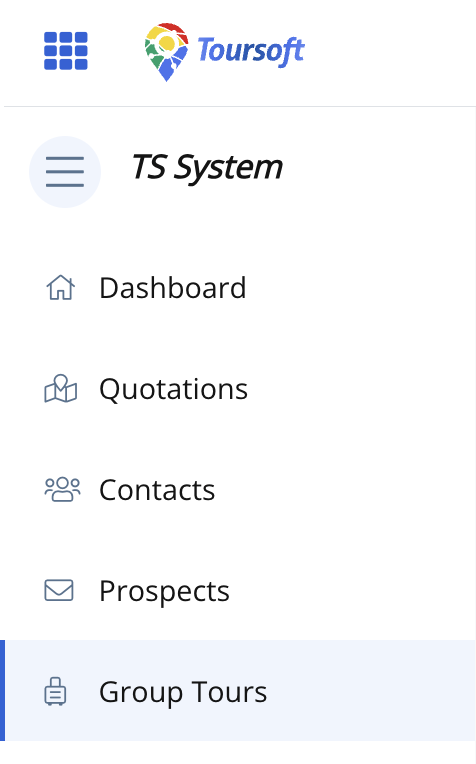
1. From the left-hand sidebar, select Group Tours.
2. On the Group Tour Management page, click Create Group Tour.

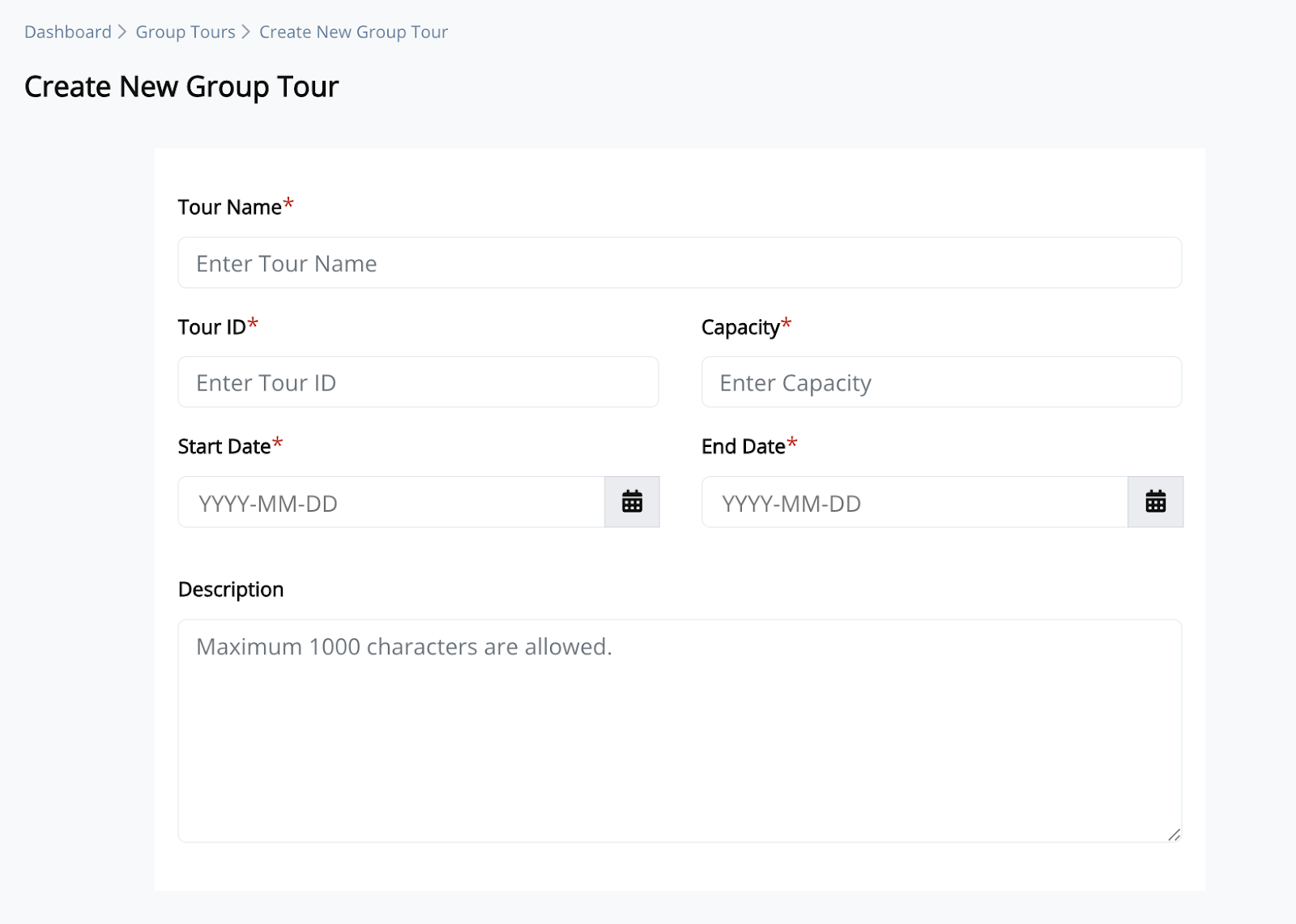
3. Enter the required tour information, including:
- Tour Name
- Tour ID
- Capacity
- Start Date
- End Date
- Description (optional)
4. Browse or search the available itinerary templates, then select the template you want to use.
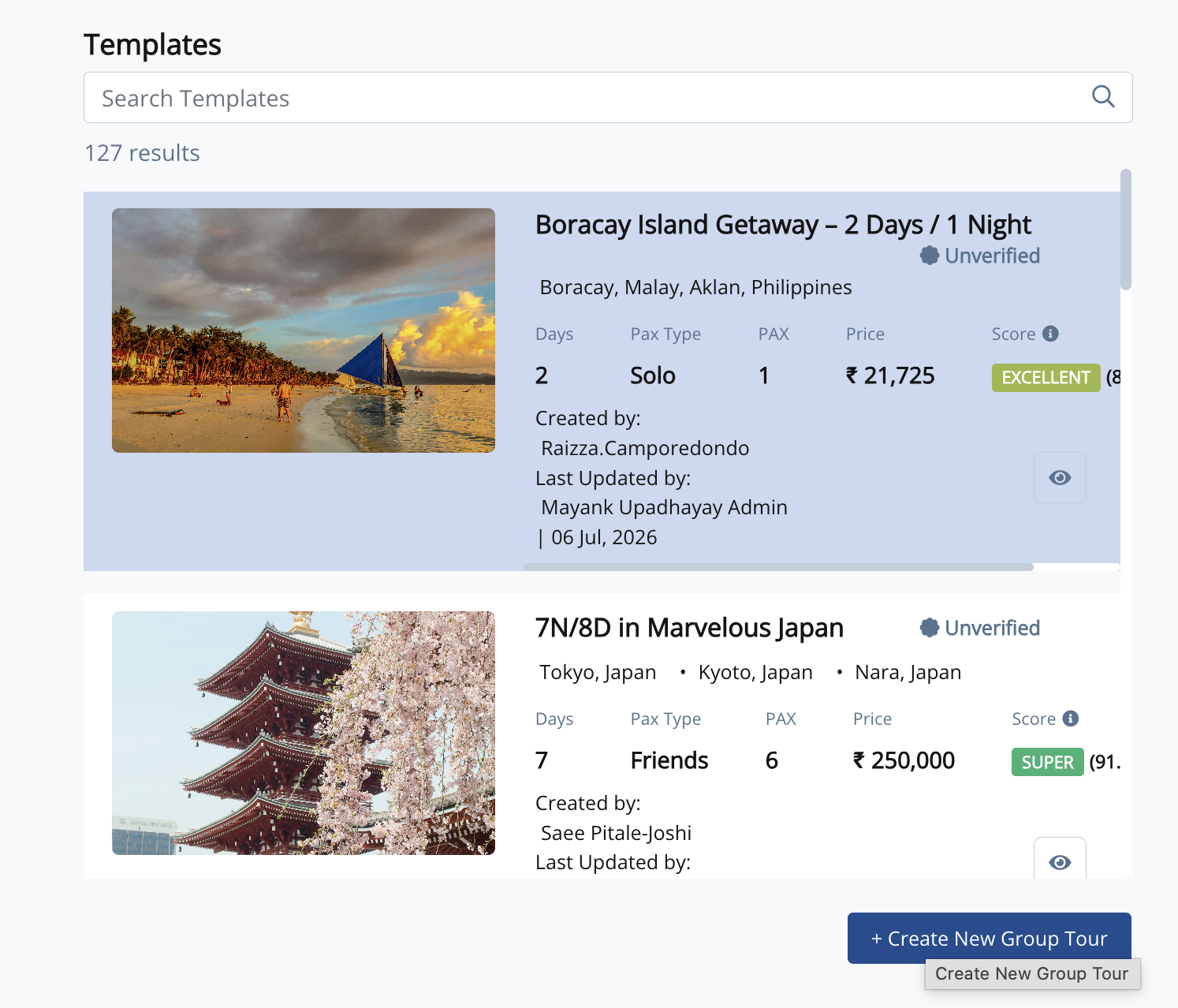
5. Click Create New Group Tour.
The system creates the group tour and redirects you to the Group Tour Dashboard, where you can begin managing customers, staff, procurement, and tour operations.
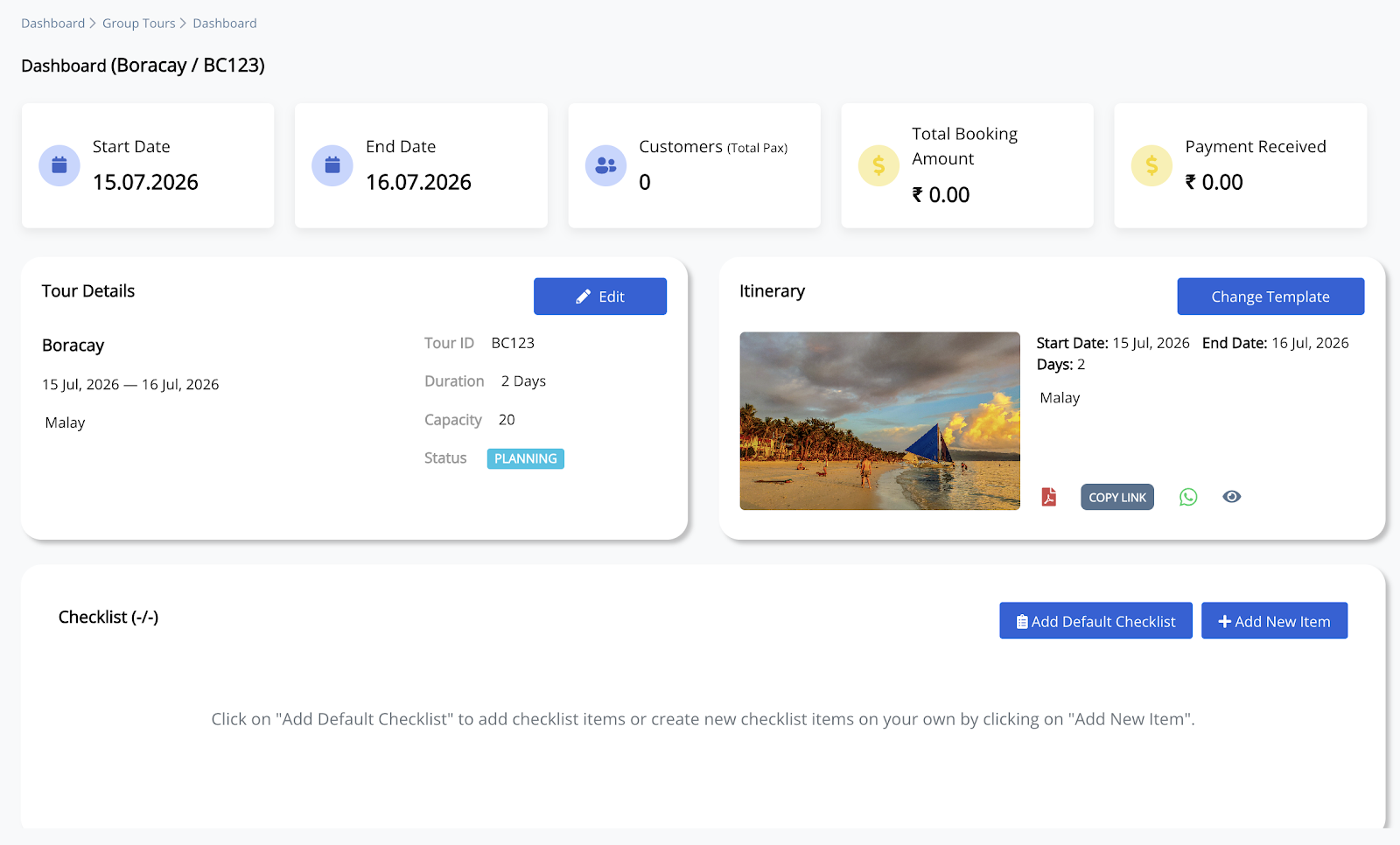
Note: After creating a Group Tour, you can continue managing customers, staff, payments, procurement, reports, and operational checklists from the Group Tour Dashboard.