Customer Payment Tracking
After adding a customer booking to a Group Tour, you can record and monitor customer payments. Payment tracking helps you keep an accurate record of amounts received, outstanding balances, and payment status for each customer.
1. Open the Group Tour you want to manage.
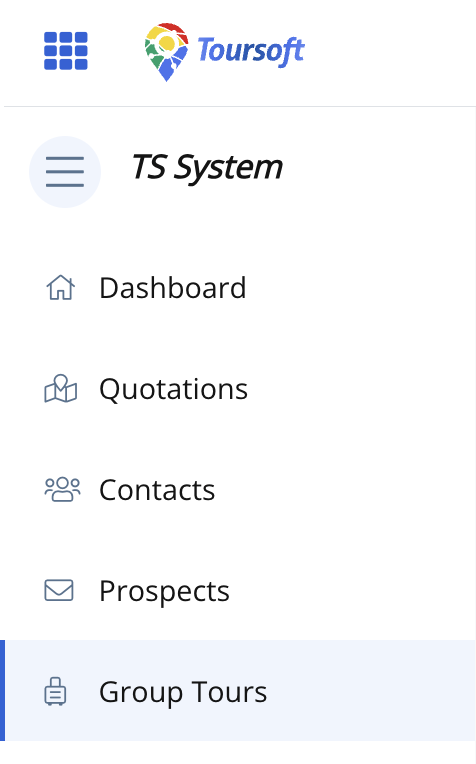
2. In the Customers section, locate the customer booking.
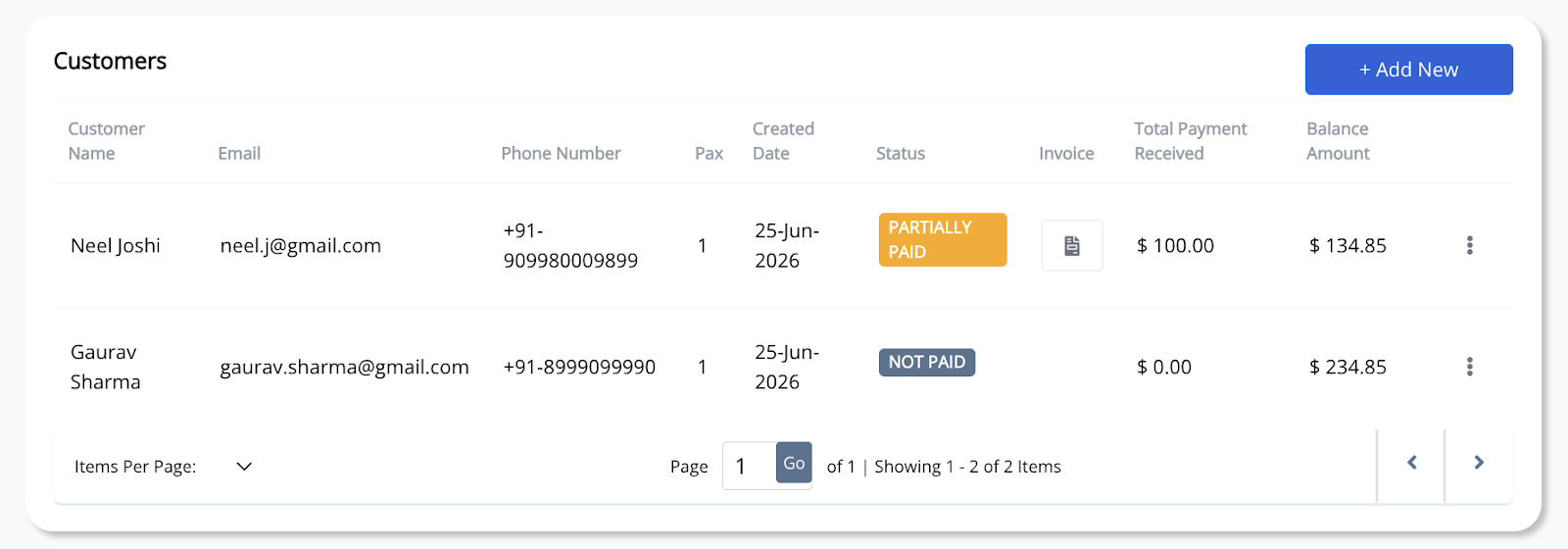
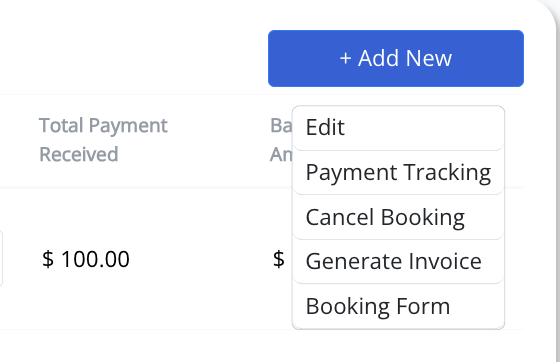
3. Click the three-dot (⋮) menu beside the customer booking, then select Payment Tracking.
4. Enter the payment details.
Complete the required information, including the payment date, amount paid, mode of payment, and remarks (optional). If the customer is making multiple payments, click Add Item to record additional payment entries.
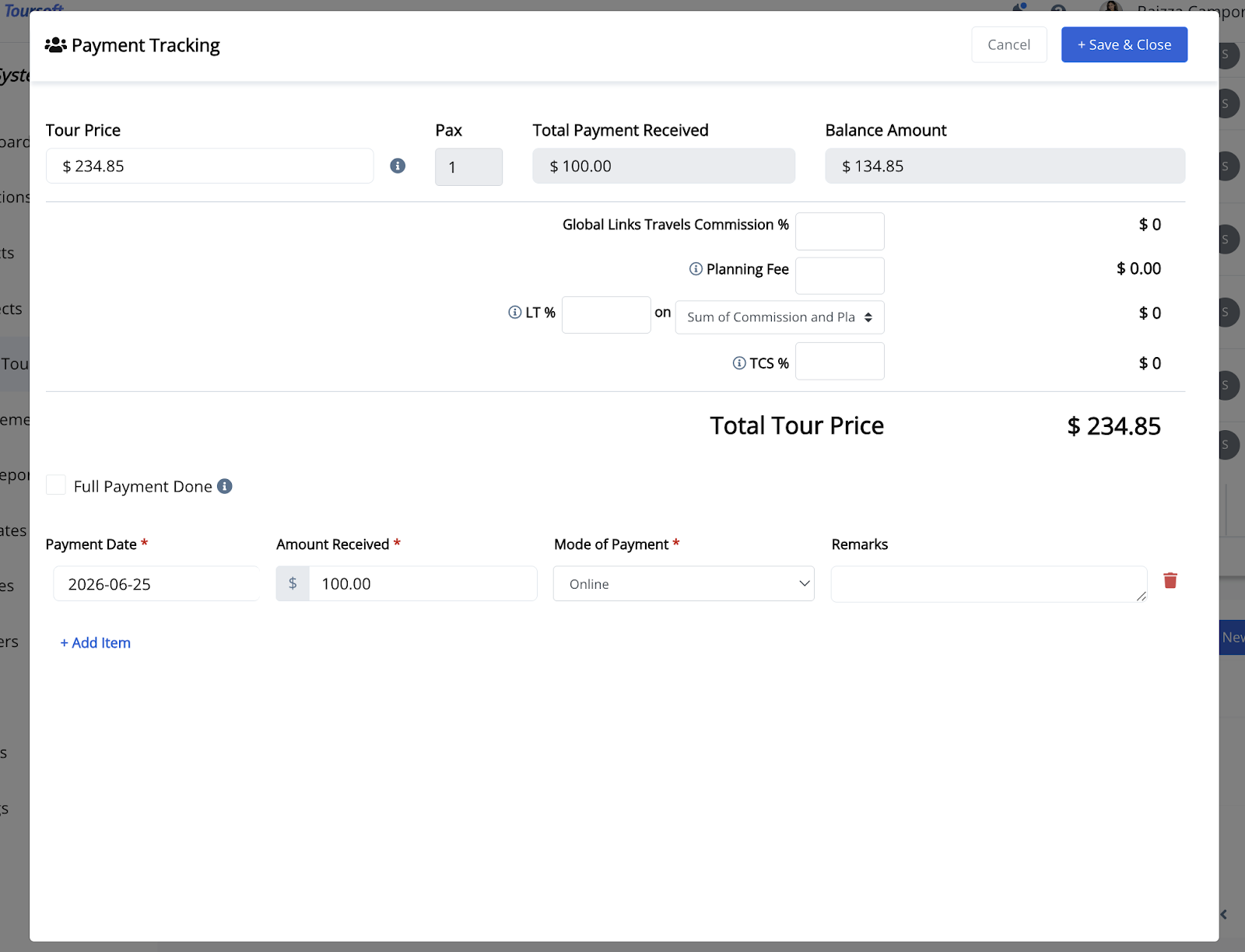
5. Review the payment information, then click Save.
The customer's payment record will be updated automatically, including the total amount paid, remaining balance, and payment status.
Note: You can record multiple payments for the same booking until the customer has completed the full payment. Once the booking is fully paid, the payment status will be updated accordingly.